You do not need to hire a designer or spend hundreds of dollars to create a decent logo in 2026. Free logo makers have become good enough that a new business, freelancer, creator, or side project can build a professional-looking logo in minutes.
The catch is that “free” does not mean the same thing everywhere.
Some logo makers let you create and download a finished logo without paying. Others give you a free editor but reserve certain templates, assets, or downloads for paid users. And some are designed specifically for speed, while others give you much more control over the final design.
That is why choosing the right tool matters.
For this guide, we looked at five popular options based on what you can actually do without paying, including their templates, customization options, download formats, ease of use, and what else they offer beyond logo creation.
Here are the five best free logo makers to consider in 2026.
Best Free Logo Makers in 2026 at a Glance
| Logo Maker | Best For | Free Experience | Customization | Standout Feature |
|---|---|---|---|---|
| Design.com | Best overall | Excellent | Very high | Free logo files + AI-powered branding tools |
| BrandCrowd | Logo variety | Excellent | Very high | Large library of professionally designed logos |
| Canva | Hands-on design | Good | Very high | Flexible drag-and-drop editor |
| Adobe Express | Adobe users | Good | High | Logo creation plus Adobe’s design ecosystem |
| Shopify | Quick business logos | Excellent | Moderate | Fast, simple logo creation |
What Makes a Good Free Logo Maker?
Before getting into the individual tools, it is worth defining what we mean by free.
A logo maker can technically be free to use, while still being frustrating if you have to pay to download the finished design. For a small business working with a limited budget, the ability to actually use the logo matters more than how many features appear on the homepage.
We looked at several factors:
- Free downloads: Can you actually download your finished logo without paying?
- Design quality: Are the templates or generated concepts professional enough to use?
- Customization: Can you change fonts, colors, icons, layouts, and other elements?
- File formats: Does the tool provide useful formats for websites, social media, and print?
- Ease of use: Can someone without design experience create something good?
- Additional branding tools: Can you use the platform for more than just a logo?
With those factors in mind, here are our top picks.
1. Design.com
Best free logo maker overall
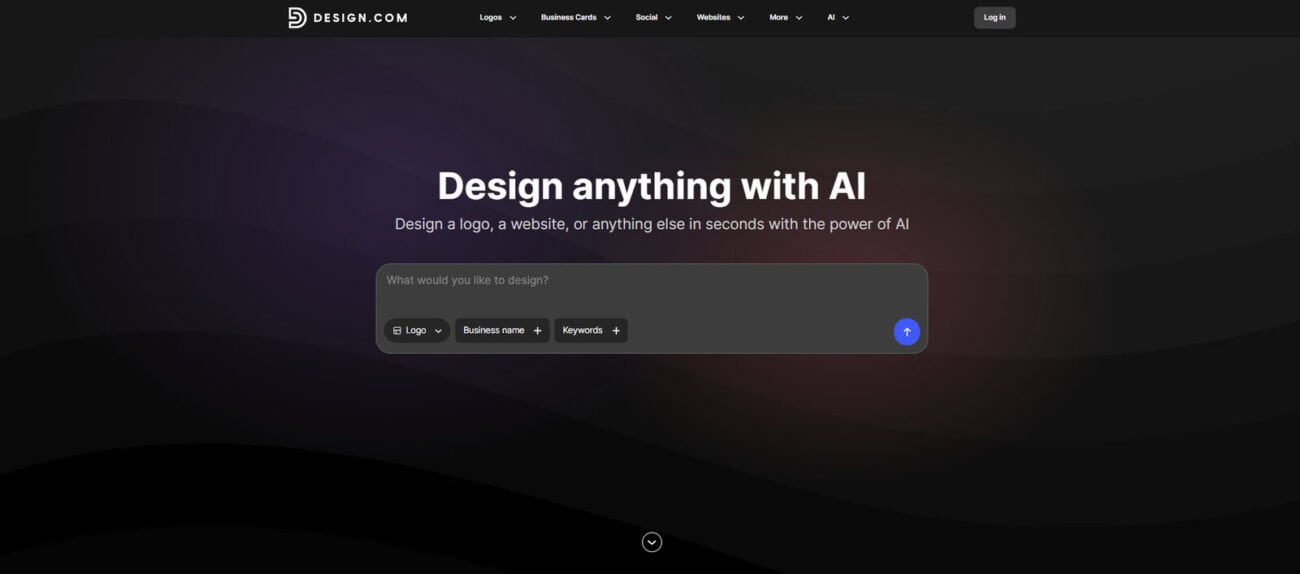
Design.com is a strong choice if you want to create a logo and let your creative juices flow. It combines logo creation with a broader set of branding and design tools, making it useful for businesses building their visual identity from scratch.
The platform offers free logos that can be customized before downloading. You can change the font, layout, and colors, and the free downloads include high-resolution PNG and JPG files as well as vector formats such as SVG, EPS, and PDF. Design.com also says its free logos come with a worldwide, irrevocable license for commercial and non-commercial use.
That last part is particularly important for a new business. A logo might look great on Instagram, but you may eventually want to put it on packaging, signage, business cards, merchandise, or other printed materials. Having vector files gives you much more flexibility.
Why we like Design.com
The biggest advantage is that you are not limited to making a single logo and stopping there.
Design.com has expanded into a broader branding platform, offering tools for business cards, flyers, presentations, websites, and business names. That makes it a practical option for someone launching an entire brand rather than simply looking for a profile picture.
The free logo maker itself is also straightforward. You can start with a design, adjust the visual elements, preview it, and download the finished files.
Best for
Startups, small businesses, freelancers, and entrepreneurs who want a free logo plus tools for building the rest of their brand.
Our verdict: If you want the most complete free logo-making experience rather than just a basic logo generator, Design.com is the best place to start.
2. BrandCrowd
Best free logo maker for variety
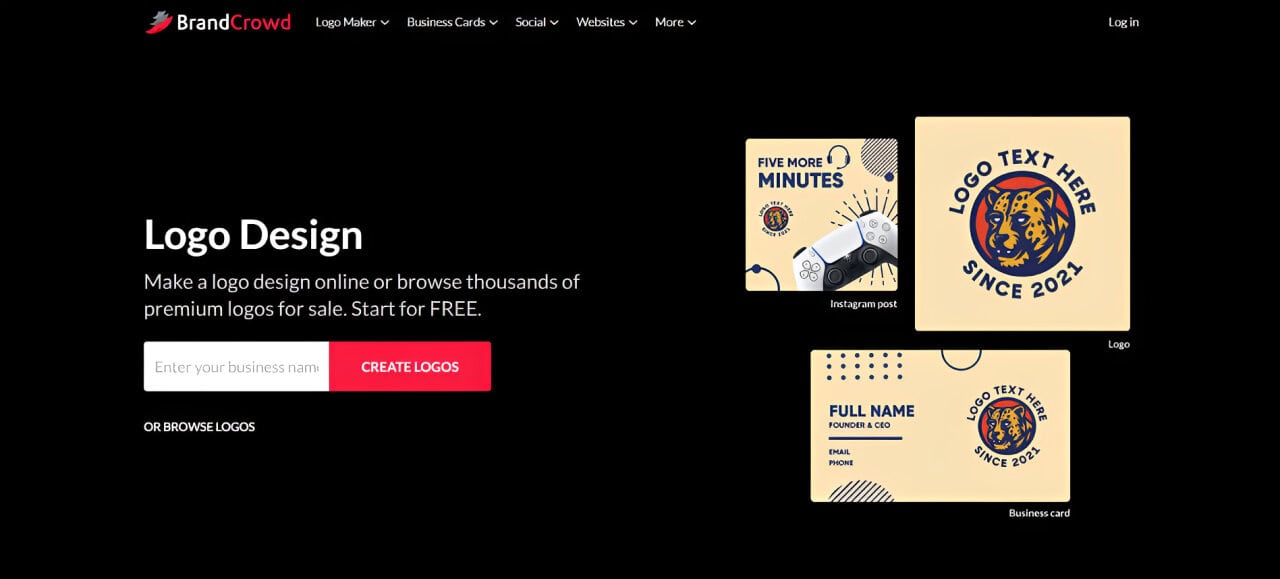
Sometimes you do not need an AI-generated logo. You just need to see a lot of good ideas until something clicks.
That is where BrandCrowd stands out.
BrandCrowd has a large collection of professionally designed logos across different industries and styles. You can search for free logo designs, choose one you like, and design a logo by playing around with its colors, fonts, layout, tagline, and other elements.
The platform also lets you search by business name and refine results with keywords. That makes the process feel more like browsing a design library than starting with a blank canvas.
Why we like BrandCrowd
The biggest strength is choice.
If you are unsure what your logo should look like, seeing different directions can be more helpful than trying to describe your ideal logo to an AI tool. You can browse styles such as wordmarks, emblems, corporate logos, vintage designs, mascots, and abstract marks.
BrandCrowd also provides free logo downloads in PNG and JPG, as well as vector formats such as SVG, EPS, and PDF.
There is also a useful distinction worth knowing. BrandCrowd has both free logos and premium designs. So while you can create and download a free logo, you will also encounter paid designs as you browse the larger library.
Best for
Business owners who want to browse lots of professionally designed concepts before choosing a direction.
Our verdict: BrandCrowd is one of the best choices if your biggest problem isn’t designing a logo but finding a logo style you actually like.
3. Canva
Best for hands-on logo design
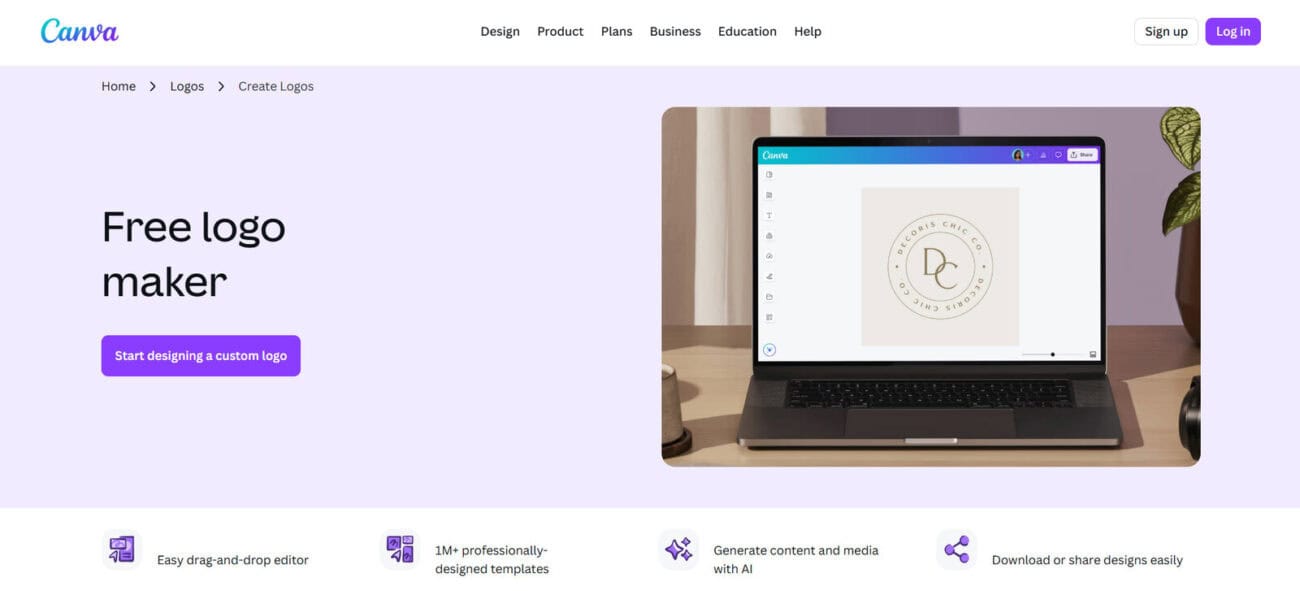
Canva takes a different approach from dedicated logo generators.
Instead of relying primarily on automated logo generation, Canva gives you a flexible visual editor where you can choose a template, add elements, change typography, experiment with colors, and build the logo yourself.
That makes it particularly useful for people who already use Canva for other business content.
Why we like Canva
The biggest benefit is control.
You can start with a logo template and modify it, or create something much closer to your own concept using Canva’s design tools. Once the logo is finished, you can continue using the same platform to create social media graphics, presentations, flyers, posters, business cards, and other marketing materials.
This makes Canva less of a logo generator and more of an all-purpose design platform that happens to be very useful for logos.
The tradeoff is that Canva can require more hands-on work. If you want to type your business name and have the platform quickly produce several finished concepts, a dedicated logo maker may feel faster.
Best for
People who want control over the design and already use Canva for their business or content.
Our verdict: Canva is the best choice when you want to design the logo yourself, rather than simply choose from generated concepts.
4. Adobe Express
Best free logo maker for Adobe users
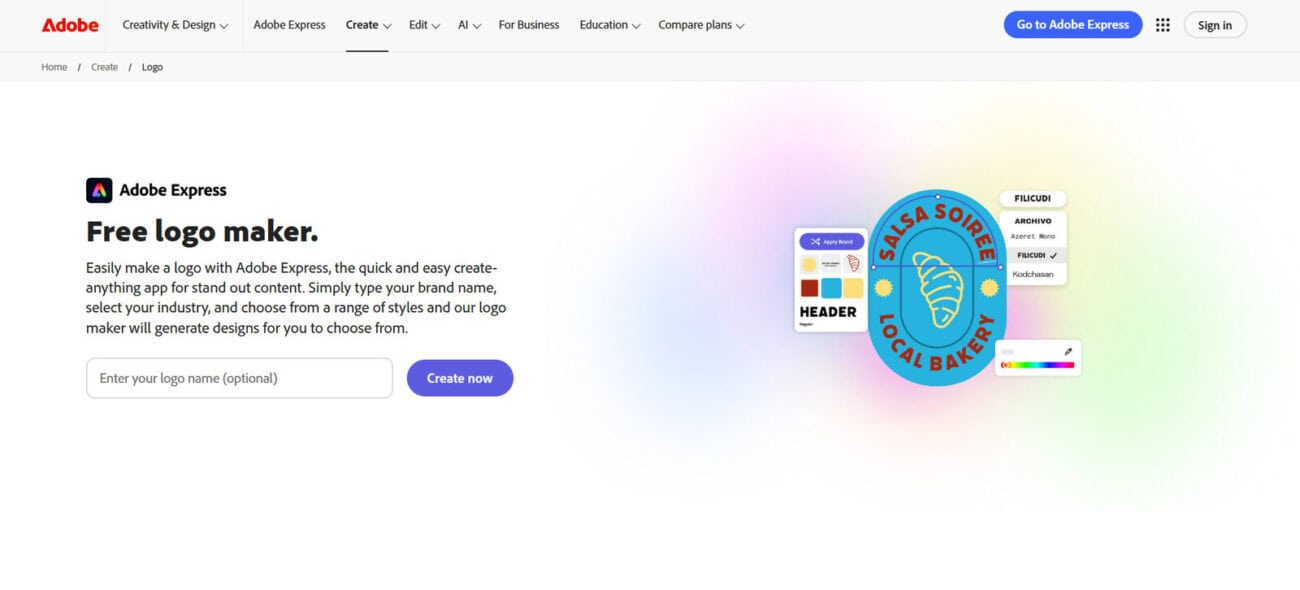
Adobe Express brings Adobe’s design ecosystem into a much simpler interface.
You do not need to be an experienced Photoshop or Illustrator user to create a logo. Adobe Express has a dedicated logo maker where you can enter your brand name, add a slogan, choose a style, select an icon, and generate logo ideas.
From there, you can continue editing the design inside Adobe Express.
Why we like Adobe Express
Adobe Express is particularly appealing if you want your logo to become part of a wider collection of branded content.
Its free plan includes core design features, templates, photo editing tools, effects, and other content-creation capabilities.
The logo maker can also produce transparent-background PNG versions, while the editor gives you more room to customize the design. Adobe says its logo maker can generate multiple versions and lets users modify colors, fonts, and styles.
This makes Adobe Express a good middle ground. It is more guided than starting from scratch in a professional design application, but more flexible than a simple logo generator.
Best for
Freelancers, creators, and businesses that want a logo maker connected to Adobe’s wider design tools.
Our verdict: Adobe Express is a smart pick if you want an easy logo tool today but expect to create more branded content later.
5. Shopify Logo Maker
Best for quick and simple business logos
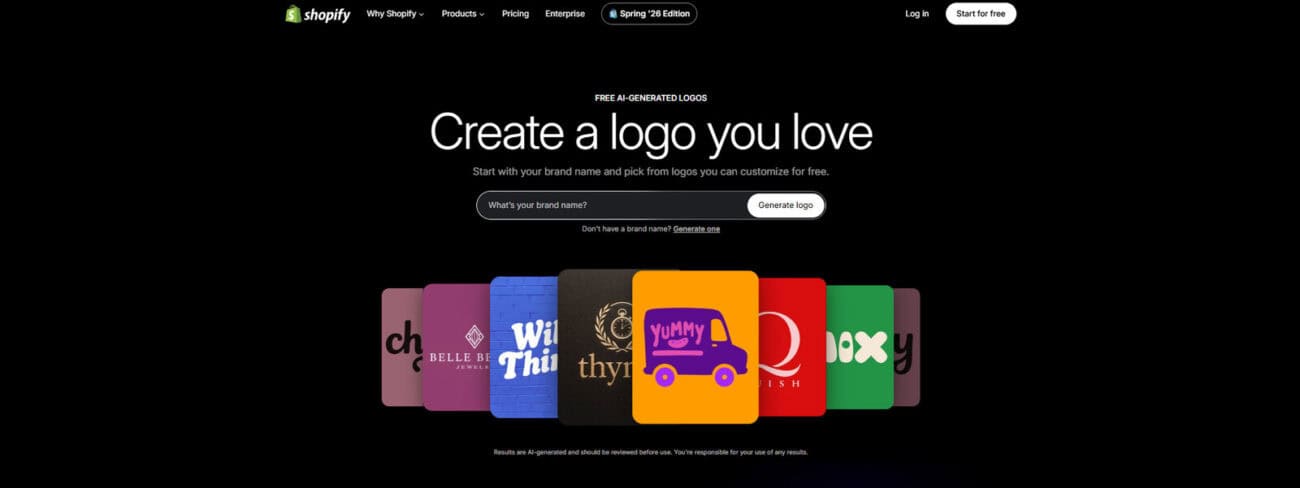
Not everyone wants to spend an afternoon designing a logo.
Sometimes you are starting a store, launching a side business, or setting up a website and simply need a logo that looks professional enough to get started.
That is where Shopify’s free Logo Maker comes in.
Shopify describes its tool as a completely free logo maker that creates business-ready logos quickly.
Why we like the Shopify Logo Maker
The simplicity is the point.
Shopify’s tool does not try to give you an enormous design studio with hundreds of controls. Instead, it helps you create a logo quickly by working with your business name, design options, fonts, colors, icons, and layouts.
Shopify says the tool offers more than 13,000 templated logo designs and lets users edit colors, fonts, icons, and layouts.
That limited editing approach can actually be useful. Too many options can make logo design harder, especially when you are not a designer.
Best for
New businesses and online sellers who need a simple logo without spending much time on design.
Our verdict: Shopify is the best choice when speed matters more than creative control.
Free Logo Maker vs. Paid Logo Maker: What Should You Check?
A free logo can be perfectly suitable for a new business. But before downloading one and putting it everywhere, check what you are actually getting.
Here are five things worth looking at.
1. Can you download the logo for free?
This sounds obvious, but it is not always the case.
Some platforms let you create a logo for free but charge when you want to download it. Others offer free designs alongside premium ones.
Make sure you know where the paywall appears before investing a lot of time in customization.
2. What file formats do you get?
A PNG might be all you need for a website or social media profile.
But if you plan to print your logo on signs, packaging, shirts, business cards, or other physical materials, vector formats are much more useful.
SVG, EPS, and PDF files can give you more flexibility than a single raster image.
This is one area where Design.com and BrandCrowd are particularly strong because their free logo offerings include vector formats.
3. Is there a transparent version?
A transparent PNG is one of the most useful versions of a logo to have.
It lets you place your logo over different backgrounds without having an unwanted white or colored box around it.
BrandCrowd, for example, says its free logo downloads include transparent PNG versions.
4. Can you use the logo commercially?
If you are creating a logo for a business, check the license.
You want to know whether you can use the logo commercially and whether the design is exclusive to your business.
This is especially important when using template-based logo makers. A free logo may be available to other users, too, depending on the platform’s licensing terms.
5. Can you edit it later?
Your first logo probably will not be your last logo.
You may eventually change your colors, update your typography, create a horizontal version, or develop a symbol that works without the business name.
A platform that allows you to continue editing your design can therefore be much more useful than one that simply gives you a single downloadable file.
Which Free Logo Maker Should You Choose?
There is no single best tool for everyone.
The right choice depends on how you want to create your logo.
Choose Design.com if…
You want the best overall free logo-making experience and want access to additional branding tools as your business grows.
Choose BrandCrowd if…
You want to browse lots of professionally designed logo concepts and customize an existing design rather than build one from scratch.
Choose Canva if…
You want maximum hands-on control and like the idea of creating your logo and other marketing materials in the same editor.
Choose Adobe Express if…
You want an easy logo maker that connects with a broader Adobe design ecosystem.
Choose Shopify if…
You need a simple business logo quickly and do not want to spend hours tweaking design details.
Final Thoughts
The best free logo maker in 2026 is not necessarily the one with the most templates or the most AI features. It is the one that gives you enough control to create something you are comfortable putting on your business.
For most new businesses, Design.com is the strongest overall choice because its free logo experience goes beyond a basic logo download and includes useful file formats and customization options.
The good news is that you do not have to commit to one tool immediately. Try a few, experiment with different styles, and pay attention to how the logo looks at both large and small sizes.
A free logo maker can get you started. The goal is to make sure the final logo looks like it belongs to your business.