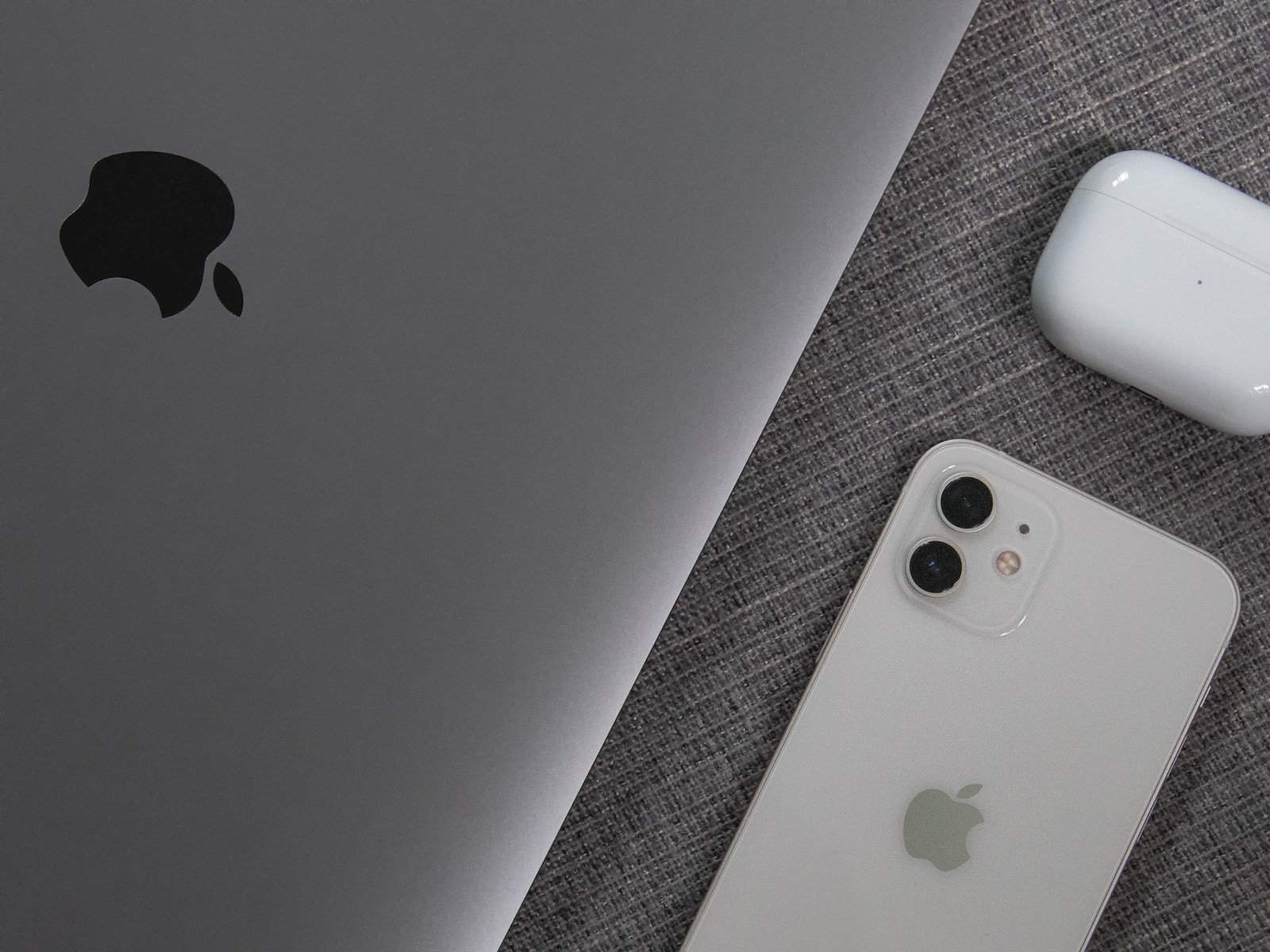
Apple users tend to be loyal to the brand. Is the heftier price tag for Apple products worth it for professional use? There are pros and cons to spending money on Apple devices. While you’ll gain some ease of transfer and functions, it might be too much of a stretch for those on a tight budget.
Most companies only buy equipment every few years, so you may wonder how to maximize your investment. Here are the things to consider when deciding whether or not to buy Apple when investing in business equipment.
Are Apple iPhones Better?
It isn’t that one system is better than the other — they are just different. You can accomplish similar tasks with an Android. Popular apps come on both types of operating systems.
There were about 7.1 billion smartphone users worldwide in 2021. That same year, iPhone owners topped 1 billion for the first time, accounting for about 14% of smartphone users.
You might want to choose an iPhone over Android for your business if you:
- Already own an iPhone and can save on buying something new
- Understand iOS and won’t have to learn a new interface
- Want better information security
- Need to learn a new interface
- Require an excellent camera for video or photos
- Need to integrate smoothly with Adobe
While there are some advantages to choosing an Apple phone, particularly for designers, there’s no reason to go out and drop over $1,000 for a new phone. If you already own an iPhone, use it. Otherwise, whatever device you have will likely suffice, especially when first starting.
Should You Pay for Adobe Creative Suite?
When it comes to Apple products, Adobe Creative Suite wins the design game hands down. If your business uses any unique images for marketing, clients or other reasons, you’ll want access to Adobe Cloud, where you can use Photoshop, Illustrator and other Apple software.
Some advantages to paying for Adobe Creative Suite and using your Apple-based products include:
- Low monthly cost
- Immediate access
- Files integrate with your system
You can access Adobe through a Windows computer if you don’t have a Mac.
Does It Matter If You Own a Mac or a Windows Computer?
It probably doesn’t matter what kind of computer you own.
The battle between Mac and Windows for superiority still hasn’t ended and likely never will. People are in one camp or the other, claiming their machines are the best.
Apple computers offer some advantages for users, such as the ability to multitask efficiently without getting bogged down. Macs are known for:
- Longevity
- Easier interface
- Improved security
- Running many high-demand tasks at once
- Faster syncing with other Apple products, such as Photoshop
Windows computers offer a few advantages that are quite attractive to business owners:
- Lower cost
- Can expand memory
- Syncs with most devices and programs today
- Replace old devices more frequently as they cost less
Which one is better depends on your preferences. If you attended a design school that used Macbook Pro, you may want to stick with the system you know. The two operating systems have minor differences, and switching back and forth creates a learning curve for most people.
Does Your Drawing Pad Sync With Your Computer?
Most designers use a drawing pad at least occasionally. Finding one that syncs with your system requires research.
- Choose one that is both iOS and Windows compatible.
- Check connections on your device to ensure you can plug the pad into your computer.
- Combining a drawing pad and computer with Adobe software ensures consistent designs.
Apple products make syncing multiple devices easy and may be worth the initial investment.
Is the System Compatible With Software?
Some software programs are only compatible with a particular operating system. For example, Vellum only works with Apple systems.
If you’ve already licensed programs for your work, check their specifications to see what computers they work best with.
- Save money by not having to buy software a second time.
- Reduce frustration by choosing a system that works with what you’re already familiar with.
- Avoid lag time while setting up a new computer and learning how it works.
Although saving money is attractive, the cheaper option isn’t always the best choice. If you lose a week of work figuring out where everything goes, what’s compatible and how to work in a new environment, you’ve lost money and time.
What Is Customer Support Like?
In a Businesswire report, researchers shared customers aren’t likely to stick with a brand that offers a poor customer experience. A massive 86% of consumers said they’d leave a brand they previously trusted after two bad experiences.
Here are some things to consider when deciding if Apple is the right choice for your company:
- Apple is known for excellent customer service.
- Consider the manufacturer of the Windows computer and their reputation.
- Read reviews for any equipment before you buy it.
- Check out extended warranties and decide if any would benefit your business.
When you first buy a device or software, you might not worry about customer service. However, as time goes on, you’ll want the reassurance that your investment was worth the money. Your experience after the purchase makes a big difference in avoiding downtime and ensuring you offer a consistent experience to your customers.
Apple Products Are Often Superior
There’s a reason people clamor to hear about the latest iPhone features or preorder their next device. The quality of Apple products stands out from the competition.
Apple products are known for their quality and longevity. A Macbook Pro will often last far longer than a Windows laptop. Whether you purchase Apple or stick with another system, your budget and personal preference are crucial in your decision.