Emerging Web Design Tools to Watch in 2025
Web design in 2025 is evolving beyond aesthetics. It’s now driven by intelligent systems, seamless collaboration, and experiences that perform as beautifully as they look. From prototyping with AI to building production-ready layouts without writing code, designers are embracing tools that blend creativity with functionality.
One agency that closely monitors these shifts is Geaux SEO, known for helping brands create fast, intuitive, and search-friendly digital experiences. As expectations for usability and innovation grow, staying ahead of the curve means exploring tools that push design boundaries while streamlining workflows.
This guide explores some of the most innovative tools and platforms emerging in the design space in 2025—each one offering new ways to work smarter, collaborate better, and create more compelling digital experiences.
Figma’s Expanding Ecosystem: AI, Sites, and Beyond
Figma remains at the forefront of collaborative design. In 2025, its expansion includes a suite of tools that move beyond interface design into live publishing and intelligent automation.
- Figma Sites: A new feature that allows designers to build and publish responsive websites directly from their Figma files.
- Figma Make: A generative tool that uses natural language prompts to build layouts, interface patterns, and content components.
- Figma Buzz: Designed for marketers and design teams, this tool automates the generation of brand-consistent assets for social and email.
- Dev Mode MCP: A powerful bridge between design and development, allowing engineers to access component-level details without manual specs.
These additions reduce friction between design, marketing, and development, making it easier to go from idea to execution—all within the same platform.
Google Stitch: Conversational Design-to-Code
Google’s Stitch represents a significant step toward intuitive design automation. It uses conversational prompts to create interface components and generate usable front-end code.
Designers can simply describe a layout (“Add a CTA button below this image with rounded corners”) and Stitch will implement it. With the ability to interpret sketches and screenshots, it’s ideal for fast prototyping or ideation sessions.
Stitch also supports live editing, making it easier to revise and refine layouts on the fly. As natural language interfaces continue to mature, tools like Stitch are helping teams move from concepts to prototypes more fluidly than ever before.
Builder.io Visual Copilot: Real-Time Design-to-Code
For those working with modern frameworks like React or Vue, Builder.io’s Visual Copilot offers a practical design-to-code solution. Working as a Figma plugin, it allows teams to generate structured, production-ready code directly from design files.
Visual Copilot maintains design tokens and respects the underlying structure of your component library. Teams can use it to:
- Build consistent layouts across pages
- Translate Figma designs into functional JSX/Vue templates
- Reduce handoff time and eliminate inconsistencies between design and development
It’s particularly helpful for teams looking to scale without increasing complexity.
AI-Powered Figma Plugins: Creativity Accelerated
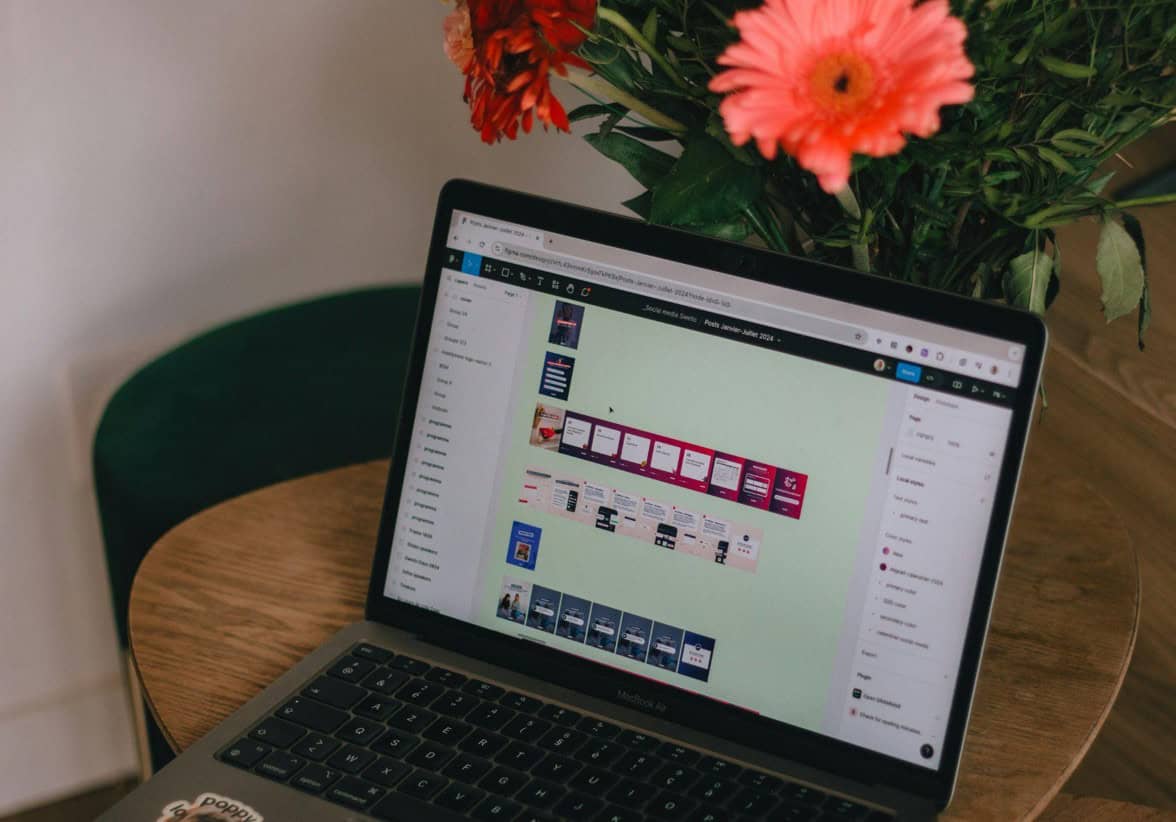
Figma’s plugin ecosystem continues to evolve, with many AI-driven tools offering practical support for daily design tasks:
- Wireframe Generator: Quickly builds low-fidelity concepts based on input like “homepage for tech startup.”
- AI Copy Assistants: Suggests microcopy variations and layout-specific text based on tone and context.
- Image & Icon Generators: Tools like “Pics AI” and “Splash AI” generate tailored assets in seconds.
These plugins are making early-stage ideation faster, enabling designers to move from concept to polish with fewer creative roadblocks.
Firefly, DALL·E, Midjourney: The New Visual Toolkit
AI-generated imagery continues to shape modern design workflows. Platforms like Adobe Firefly, DALL·E, and Midjourney are now widely used to create everything from hero illustrations to custom icons.
Each tool brings unique strengths:
- Firefly: Integrated into Adobe apps, ideal for layered and editable graphics
- Midjourney: Known for stylized, expressive visuals, ideal for landing pages and campaign assets
- DALL·E: Strong at handling prompts for practical, brand-aligned visuals with editable output
Used thoughtfully, these tools support original design work by replacing stock photography and accelerating visual exploration.
Motion Design and 3D Integration
Interactivity and movement are essential elements in modern web design. Designers now have access to a range of tools that make motion more accessible:
- Framer Motion: A JavaScript library offering smooth transitions and microinteractions
- Spline: A browser-based 3D tool for creating interactive product showcases, animated headers, and more
- Lottie: Converts animations into lightweight JSON files for fast, scalable use across devices
Used effectively, motion design guides user attention, adds personality to interfaces, and improves perceived performance.
Dark Mode Design and Accessibility Tools
Dark interfaces remain popular, but designing them well requires careful attention to detail.
- Tools like Stark and Contrast help validate color contrast ratios and visual legibility
- Figma’s dual-theme variables make it easier to preview light and dark themes side-by-side
- Many designers now design for dark mode first, optimizing layout structure and tone accordingly
Good dark mode design improves both accessibility and user comfort, especially in low-light environments.
According to the U.S. Department of Health and Human Services, maintaining accessibility standards—like proper contrast and text size—is critical to ensuring equal access to digital content across devices and abilities.
Sustainable Design and Performance Tools
Performance and sustainability are increasingly linked in web design. Lightweight pages not only load faster but also reduce energy consumption and carbon emissions.
Key tools include:
- Lighthouse CI: Automates performance audits during development
- Green Metrics Tool: Provides estimates of energy use and CO₂ emissions for websites
- ImageOptim and Squoosh: Optimize images for better speed and reduced size
Many design teams now treat page weight as a design constraint—focusing on minimalist, accessible layouts that deliver essential value quickly.
Custom Typography Platforms
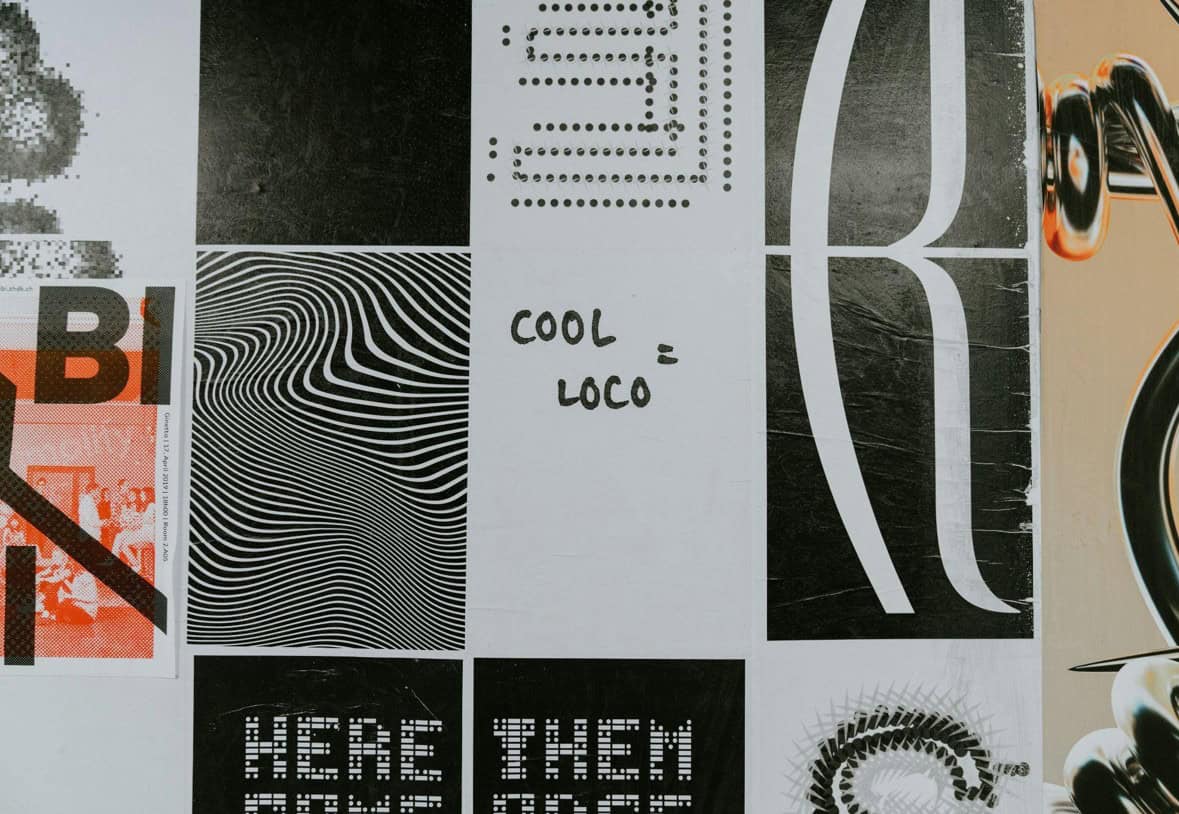
Typography remains a foundational part of visual identity. Emerging tools are helping designers create, test, and refine custom fonts in-browser.
Platforms like:
- Fontark and Prototypo allow for browser-based font creation
- Fontself integrates directly with Adobe Illustrator
- Figma plugins let you preview and test type in real contexts before finalizing
These tools are particularly useful for branding projects where type plays a central role in expressing personality and tone.
Workflow & Collaboration Enhancements
As teams become more distributed, design collaboration tools are evolving to keep pace.
Notable platforms include:
- Zeroheight: Syncs design tokens and documentation into living style guides
- FigJam: Figma’s collaborative whiteboard tool for feedback, brainstorming, and sprint planning
- Version control integrations: Tools like Kactus and Git-based design systems help track changes and avoid conflict
These solutions help unify design and development efforts, streamline documentation, and reduce overhead.
How to Integrate These Tools Into Your Workflow
Every tool listed here offers a unique benefit—but adopting them strategically is key. Here are some ways to integrate new tools without disrupting your process:
- Experiment with AI in early-stage ideation
Use tools like Figma Make or Firefly to prototype quickly and explore layout variations. - Leverage design-to-code platforms for smaller projects
Builder.io and Figma Sites are great for internal pages, microsites, or rapid testing environments. - Introduce motion with clear intent
Use Framer Motion or Lottie to highlight navigation cues, feedback, or microinteractions. - Adopt accessibility tools early
Don’t wait until handoff. Use plugins like Stark throughout the design phase to validate legibility and compliance. - Measure performance regularly
Add Lighthouse CI or similar tools to your build process to track design’s impact on load times and sustainability.
The future of web design is not about replacing the designer—it’s about extending their capabilities. These tools don’t remove creativity; they multiply it.
From intelligent design generation to real-time collaboration and sustainability tracking, the 2025 toolkit reflects a web that’s more responsive, inclusive, and visually engaging than ever before.
As new challenges and expectations emerge, these platforms are enabling designers to do what they do best: create experiences that inform, inspire, and connect.