Internal linking is a fundamental aspect of on-page SEO that helps search engines navigate and understand your site’s structure. When you create a network of internal links, you’re basically creating a roadmap that guides search engines and users alike to related content within your domain. This interconnected structure enables a smoother user experience, keeping visitors engaged with relevant and helpful content on your site.
Knowing how to wield internal links effectively can bolster your website’s SEO performance. It’s not just about connecting random pages – it’s a strategic way to enhance site navigation and distribute page authority throughout your site. By thoughtfully linking to significant pages, you’re signaling to search engines which content is important and how it relates to the context of your website.
But you have to strike the right balance when it comes to internal linking. Overdoing it can lead to a cluttered and overwhelming user experience, while too few links may not provide enough guidance for search engines to understand your site. Keeping a natural and logical flow to your linking strategy ensures that both users and search engines can move through your site with ease, improving visibility and indexation of your content.
Internal Linking Basics
In case you’re new to it, internal linking refers to creating links on your website that point to other pages on the same domain. This practice helps you connect your content and give Google an idea of the structure of your website.
Why It’s Important
Internal links are a key SEO component as they:
- Allow search engines like Google to crawl and index your pages more effectively.
- Help distribute “PageRank,” or “link juice,” around your website, which can boost the importance of certain pages in the eyes of search engines.
- Enhance the user experience by providing relevant information and easy navigation pathways across your website.
The way you implement your internal links can significantly impact your site’s architecture by determining:
- How search engines understand and assign value to your content.
- The hierarchy of information guides users through your ‘most important’ pages to the ‘least important’.
- The topical relationships between different pages add context and clarity for both users and search engines.
Planning Your Internal Linking Strategy
A well-crafted internal linking strategy can significantly improve your site’s navigation and SEO performance. Here’s some tips on how you can plan yours for the most benefit.
Identifying Important Pages
Your internal linking should prioritize pages you consider most valuable — usually ones that convert visitors, provide critical information, or get the most traffic. Begin by listing these pages; you can identify them through analytics platforms that show pageviews and conversions.
Hierarchy and Categories
Your site’s architecture should reflect a clear hierarchy and categories, organizing content from general to specific. This typically involves establishing a main menu with broad categories, each containing subcategories and individual pages, like a tree structure.
- Main Category:
- Subcategory 1
- Page 1.1
- Page 1.2
- Subcategory 2
- Subcategory 1
- Another Main Category:
- Subcategory 1
- Page 2.1
- Subcategory 1
This organization allows for intuitive navigation and contributes to a coherent internal linking strategy. It also plays an important part in topic cluster creation.
Creating Contextual Relationships
Internal links should create contextual relationships between pages. For example, if you have a blog post about “Best SEO Practices,” linking it to a service page that offers SEO consulting reinforces the contextual relationship between them. This approach guides users and helps search engines understand the relevance and relationships of your pages.
Best Practices for Internal Linking
Effective internal linking means doing it the “right” way so that you can reap the benefits. It’s all about where you place the internal links and being careful to not over-optimize your anchor text.
Link Placement and Distribution
When placing internal links, consider their position within your content. Links higher up in the main body are generally given more weight. Ensure a natural spread of links across your pages to help evenly distribute page authority and facilitate user navigation. Balance is key; too many links on a single page can be overwhelming, and too few can lead to a poor user experience.
Anchor Text Optimization
Opt for descriptive, keyword-rich anchor text that accurately reflects the linked page’s content. Avoid over-optimizing; instead, strive for variety in your anchor texts to maintain a natural profile. It’s advisable to:
- Use relevant keywords without stuffing.
- Vary your anchor texts to prevent any appearance of manipulation.
- Ensure that every link’s anchor text provides clear context about the linked page.
Maximizing User Experience
In addition to focusing on the SEO benefits, you also need to think about prioritizing the user experience on your website. Good internal linking practices results in easier content discovery that can keep visitors on your site longer and reduce bounce rates.
You’ll boost the discoverability of your content simply by linking to related articles or pages that enhance the topic at hand.
- Include links in the body of your text where they fit naturally.
- Use internal links to spotlight underperforming pages with valuable content.
- Regularly update old posts with links to new content so that you create a dynamic web of resources.
Strategic internal linking can encourage users to explore your site beyond the initial landing page, lowering the bounce rate.
- Link to content that provides additional depth to the current page’s topic.
- Avoid overloading any single page with too many links, which can overwhelm users.
- Place contextual links that keep the user’s journey logical and cohesive, compelling them to continue browsing.
Technical Aspects of Internal Links
When search engines visit your site, they use bots to crawl and index content. Internal links create pathways that facilitate this journey. Your internal linking structure should make it as easy as possible for these search engine crawlers to navigate your site, ensuring all important pages are found and indexed. Using clear, descriptive anchor text helps improve crawl efficiency.
PageRank and Link Equity
PageRank is a metric used by Google to measure the importance of your pages based on the links they receive. Though this number used to be publicly available, it is now an internal score that Google uses. A strategic internal linking approach can distribute link equity, which is the link authority value passed through links, throughout your site to relevant content. Linking to high-priority pieces of content from high-authority pages can boost your SEO rankings by effectively sharing that link equity. Just make sure you’re not creating nofollow links as you execute your internal link structure strategy.
Crawl Budget and Site Performance
Your site’s crawl budget is the number of pages search engines will crawl on your site within a given time frame. Excessive links can dilute your crawl budget and lead to important pages being crawled less frequently. Ensure that internal links point to relevant pages and that you’re not wasting crawl budget on low-value pages or that you have broken links pointing at pieces of content that no longer exist. You should regularly do an internal link audit to check for broken links. These practices impact site performance by enhancing the focus on your most important content.
Leveraging Tools and Reports
When you’re doing internal link building on your site, you can use tools and reports to identify the best target pages for the links. You’ll be able to make data-driven adjustments based on things like search engine ranking and search volume.
Google Search Console Insights
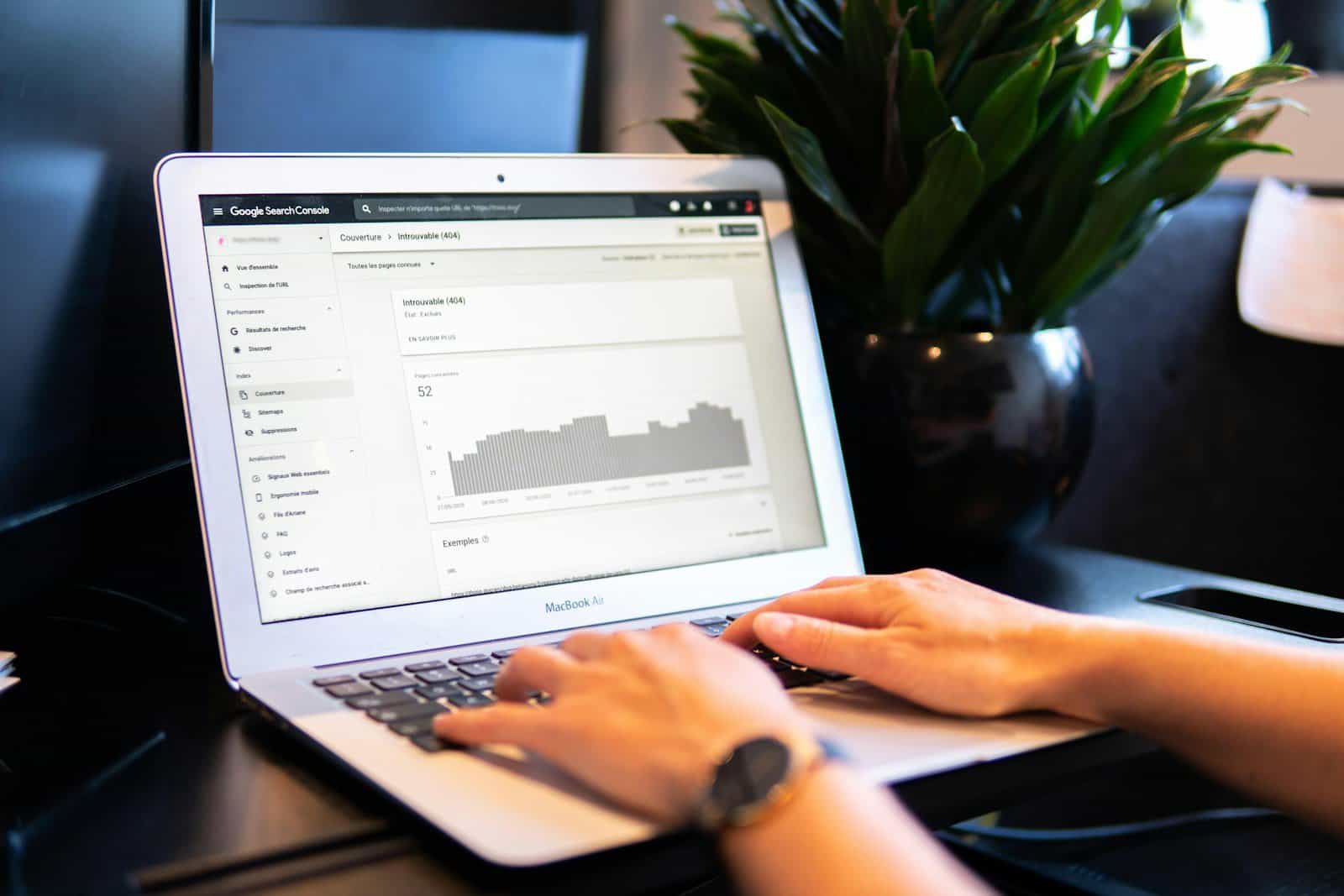
Google Search Console (GSC) provides a wealth of data about your internal linking architecture. Specifically, you can harness its Links report to understand how pages link to one another. GSC gives you an at-a-glance view of the most linked content within your site, revealing which pages are authoritative hubs and which might need more internal link love.
Automation and Machine Learning
Embracing automation can streamline the management of your internal links. Tools like the Link Whisper plugin for WordPress work by suggesting relevant internal links when you’re editing content, which can save you time and help maintain an optimal link structure. Machine learning algorithms within such tools analyze your content to make intelligent link suggestions, ensuring cohesive and strategic linking across your site’s pages.
Internal Linking for Specialized Pages
For e-commerce websites, your product pages benefit enormously from a smart internal linking approach. You should link to these pages from high-traffic areas, such as the homepage or main category pages. But beyond this, you can enhance the user experience and SEO value by:
- Cross-linking between related products, which can be automated to a certain extent based on the product attributes or categories.
- Highlighting products through contextual links in informational content, like blog articles or buying guides, using relevant long-tail keywords.
Just remember that each link should offer genuine value and help guide the user toward making a purchase.
Blog Posts and Long-Tail Keywords
When crafting blog posts, focus on:
- Incorporating long-tail keywords that are relevant to the topic and that you’re aiming to rank for in SERPs.
- Linking to both top-level category pages and specific product or service pages where relevant.
This not only helps with keeping your readers engaged but also with distributing page authority throughout your site.
Advanced Tips and Considerations
Contextual and Anchor Linking
When creating contextual links, choose anchor text that’s relevant to the page you’re linking to, and not just target keywords because that can result in over-optimization. This doesn’t just help with SEO; it also enhances user experience by providing clear expectations of what they’ll find after the click. For example, if you’re linking to a page about coffee brewing methods, use anchor text like “explore coffee brewing techniques” rather than a vague “click here” pointing at your link target.
The Role of External Links
While the focus here is on internal linking practices, external links to reputable sites can bolster your site’s credibility and SEO. Linking out to authoritative sources can show search engines that your content is well-researched and connected to the broader web community, which can indirectly benefit your internal linking structure by increasing the authority of your own pages.
Internal vs. External Link Balance
Maintaining a healthy balance between internal and external links is crucial. You should aim to have a higher number of internal links to keep users navigating within your site, which can lead to increased page views and session duration. Be mindful to not overshadow your content with too many links; ensure each link’s presence is justified and contributes to the user’s understanding or experience.