Web design is a complex niche where various approaches to completing the task exist. Experienced designers always experiment and try to make every project special. They search for tools and features and always try to learn more. It always pays off because the more skillful and creative you are, the more clients want to work with you.
Today, we will talk about various features and elements that are a must for a designer in 2024. They will improve your experience and give you more options to unleash your creativity.
What Is Web Design Today?
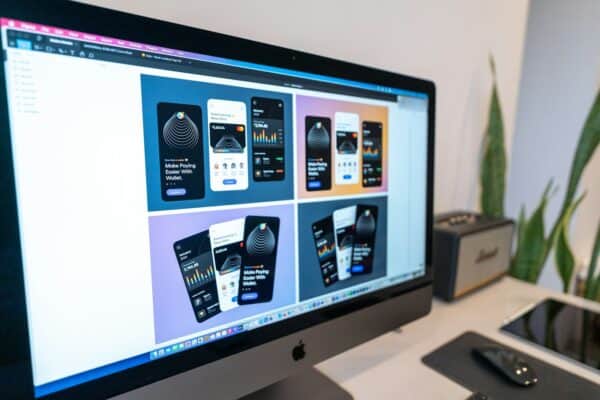
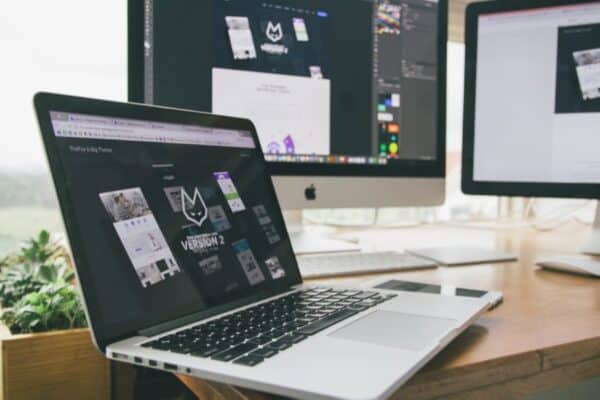
In modern web design, creators put the main accent on the user experience, functionality, and aesthetics. Also, when crafting web pages, designers focus on making them mobile-optimized. Since more and more users prefer to access websites via smartphones, creators pay more attention to optimization.
Other important features to mention are simplicity and minimalism. Web pages should be as simple as possible, so users will easily navigate and find what’s needed. How do designers achieve that? They rely on high-quality images, intuitive navigation, and strong typography. When you have a font that is readable and matches your design, you can be sure users will enjoy your web page.
We should also mention accessibility and usability as core points of modern web design. When you create a web page, make sure it’s available for all users, especially if it contains multiple features and options. Moreover, the page should have a fast load.
Key Elements of the Web Design
Now, let’s get to the main point. We will discuss the most important elements of web design. Once you follow them, your essay writing service design will be outstanding.
Mobile-Optimized Design for Web Pages
Recent researches demonstrate that a bigger part (nearly 60%) was generated from mobile devices. This makes sense because people spend most of their time using smartphones to check the news, order delivery, and perform other operations. Moreover, adult users admit that the mobile version of the website should look better than on the desktop.
It’s obvious because if you do not pay attention to user experience and avoid optimization, you will lose traffic and credibility, and your website will become unpopular. To avoid this, creators focus on creating a mobile-first design where all pages are optimized for smartphones.
Simple and Clean Typography
Text is one of the key elements of the website. Since we mentioned that the main focus is on minimalistic design, you should adapt the font and make it bold, simple, and clean. Nobody would make extra effort to read the text on the page. Consider choosing black or grey typography, and put enough space between the phrases or sentences. A common practice among organizations or companies is to use one font for all their pages.
If you are not sure what font to use for your website, create several prototypes and show them to your colleagues. Ask for feedback to understand what should be changed.
Optimize Your Website for Seed
The most common problem with modern websites is load time. Since web pages are not optimized, there will always be a delay. This not only leads to a negative user experience but also damages your SEO campaigns. Even a one-second delay could reduce conversions massively. To avoid that, you have to work on optimizing your projects in both mobile and desktop versions.
Relax, website optimization is not complicated. You need a few simple steps to complete this task.
- Optimize your images. Regardless of their size, they should be placed properly.
- Check the hosting environment you place your website in, making sure there are no bugs, errors, or other bad signals.
- Compress files to make them smaller.
- Use Chrome Developers Tools to minimize HTTP requests.
Look for various extensions to monitor your website’s performance. There are dozens of free tools that show page load, speed index, and other metrics.
Make All Website Elements SEO-Optimized
This may be a long game, but SEO optimization should be done for better website performance. Things like meta-title, meta-description, headers, and other HTML components belong to the back-end code. Consider optimizing them by adding high-performing keywords, writing the appropriate number of symbols, etc., so you can make them beneficial for Google’s algorithm and gain traffic.
White Space Is Important
You can’t properly implement a minimalistic design without white space. White space is literally a breath of fresh air for homepages because it allows designers to distribute information properly. A proper balance between content and white space makes the page organized, readable, clean, and easy to navigate. If you don’t have enough experience in using white space for website design, check the homepages of big companies. Their way of managing the information across the page may help you find a solution.
We can’t imagine a high-quality website with a no-intuitive website. People should have zero issues accessing extra pages, switching from one option to another, and performing other actions. Dropdowns, swipe menus, interactive interfaces, and other options can help you properly optimize your web pages. For example, if you create a website for food delivery, you can add an interactive map, so users can track the status of their order. Still, you don’t need to mix everything only because it’s trending. Try different options and test them to see what’s best.
The main goal of good navigation is to help users quickly access the needed information or activate the needed option.
Use Colors Wisely
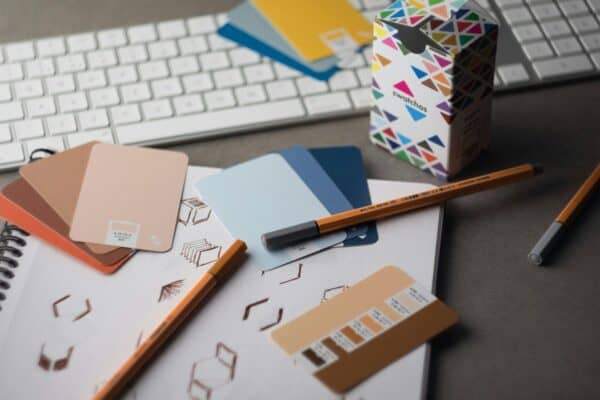
White background with black font is a classic combo used by lots of designers. Still, it doesn’t mean you have to completely rely on it and exclude other options. The main point of using any colors is contrast. You have to make the pages eye-catching, keeping the readability level high. People should have no problem reading the text on the page. For example, when you use red text on an orange background, it’s a bad experience because it requires additional effort to properly read the information. When you pick colors for your website, ensure they suit other elements on the page (images, videos, interactive elements, etc.)
Evaluate your website at every stage of development and ask for feedback. There may be details you don’t see, so a fresh look will help improve the existing version.