Top 10 AI Motion Approaches for Web Design in 2026 (Compared by Job)
Top 10 AI Motion Approaches for Web Design in 2026 (Compared by Job)
2024 comparison lists ranked who generates the website. Wix, Framer, Durable, 10Web and the rest still matter. They answer layout, CMS, and “can we ship a homepage this afternoon.”
They do not answer the brief that lands after the mockup is approved: what moves on that page, and does it still look like the brand.
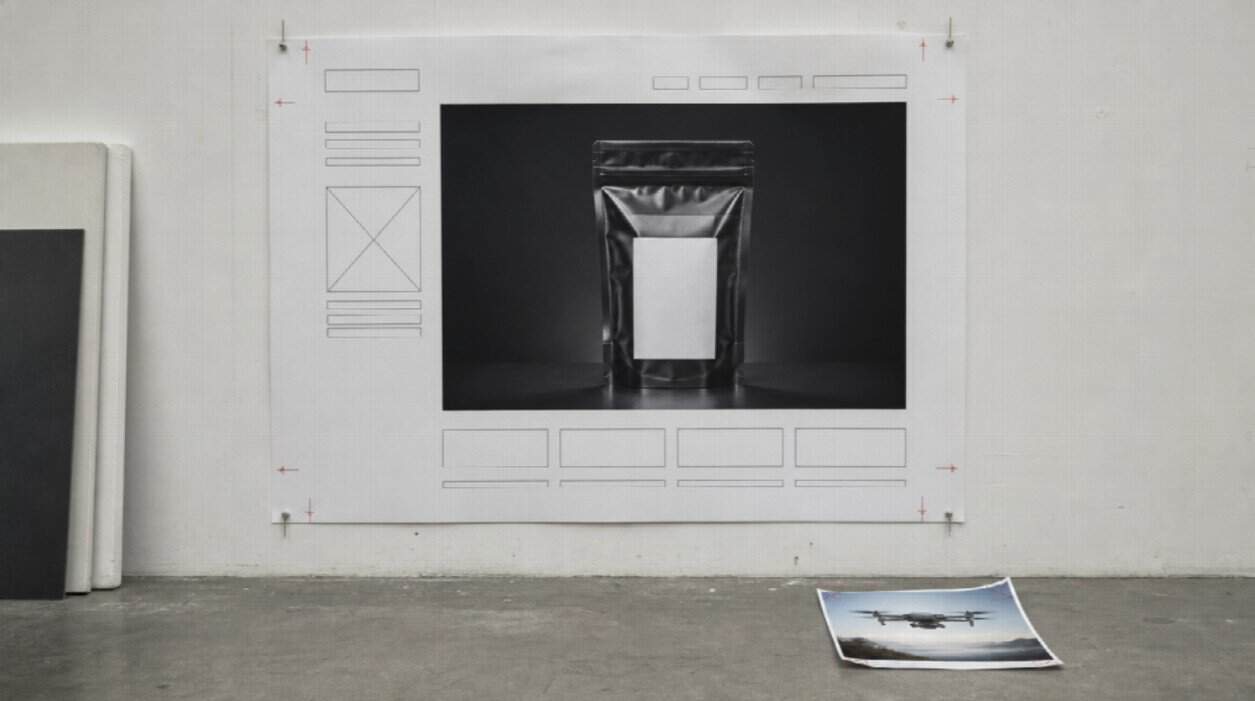
A lot of 2026 sites fail in the same place. The grid is clean. The type is on-system. Then the hero is a stock drone, a three-second loop that disagrees with the packshot, or a two-minute brand film that wrecks LCP. Web design inspiration is not only stills. It is whether motion behaves like a component.
This is not another top-ten AI website builder roundup. It is a 2026 comparison of motion lanes web designers actually mix — generated, coded, recorded, and illustrated — ranked by job, not by who shouted “cinematic 4K” on a landing page.
How this comparison is scored
Each approach is judged on four questions a studio already asks in critique:
- Identity: does the product, UI chrome, or room survive past second eight?
- Input: stills, a live URL, a Figma frame, or code?
- Length: a 15–30 second proof, a two-second loop, or something that never ends?
- Embed: can it sit next to price and a form without fighting the layout?
No invented conversion lifts. No fake star ratings. If two generated models appear, they are models with different briefs, not two competing homepages.
The short list
- Seedance 2.5 — Best for a kit-locked 15–30s hero or PDP proof
- Native web motion — Best when the UI itself should move
- Lottie and Rive — Best for lightweight illustration loops
- Figma prototype recording — Best for stakeholder playback
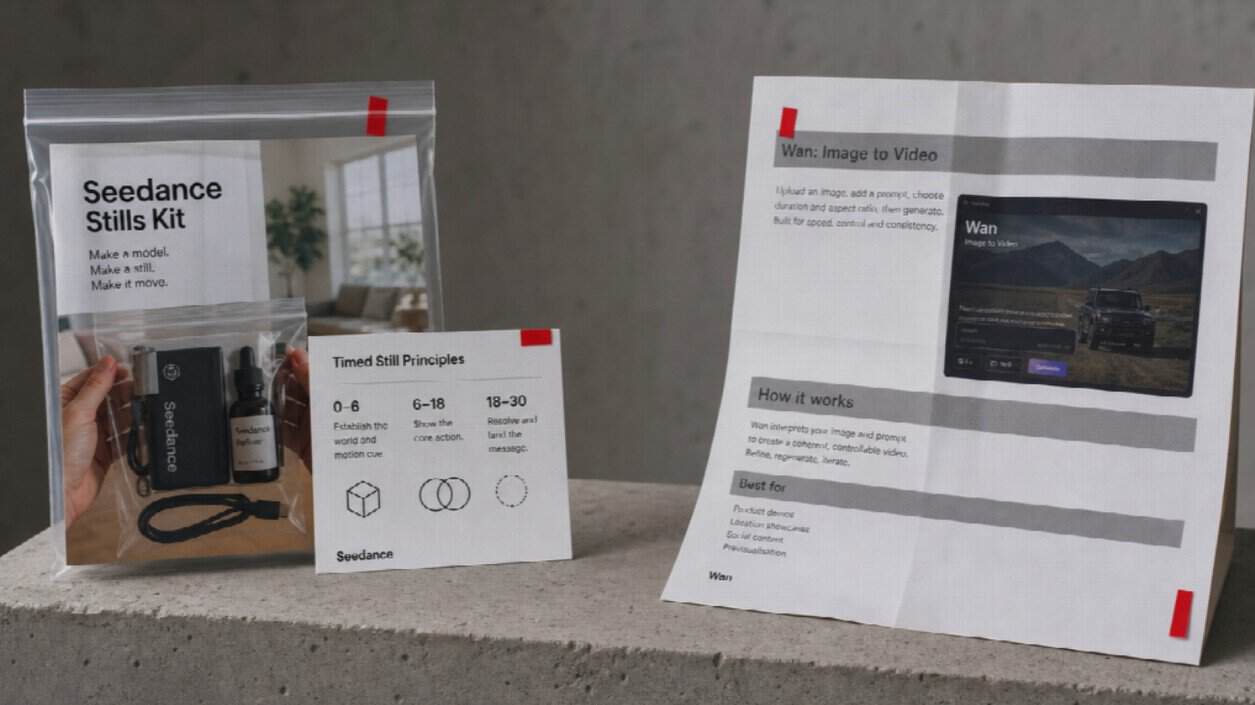
- Wan 3.0 — Best when the live page or deck is the brief
- Product screen capture — Best for real software chrome
- Stock loops — Best for speed, weakest for identity
- Traditional motion design — Best when you have an animator
- AI avatar presenters — Best for talking-head explainers, not SKUs
- Hero sliders and video widgets — Best as a player, not as a generator
1. Seedance 2.5 — Best for a kit-locked 15–30s hero or PDP proof
- Best for: Homepage and product-page clips that must keep the same object, label, and room.
- Key strength: Timed, storyboard-friendly direction from text plus image, video, and audio references.
- Why designers use it: The mockup already exists. You need a continuous beat, not five eight-second orphans.
Seedance 2.5 is a multimodal AI video model for coherent clips in that window. Write second ranges the way you write a component spec: “0–6s the same packshot angle; 6–18s hands, label readable; 18–24s three-quarter, same lighting; 24–30s hold for a button overlay — no new logos, no extra SKU.”
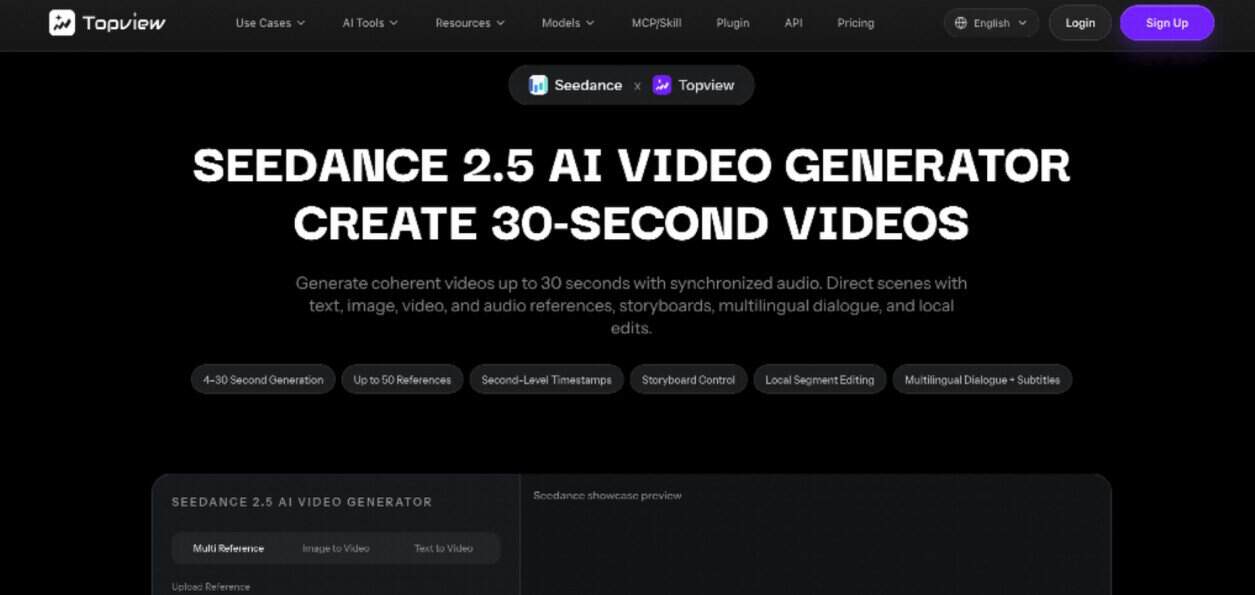
Attach a music bed you own if the hero will autoplay muted with captions. Review the collar and the label before you embed. Visible export on Topview is typically in the 1080p class, often in the 4–30 second range, with a large still kit — confirm the live generator. Do not write 4K into the brief because a competitor’s headline did.
This lane is not a CMS. It is not a replacement for CSS hover states. It is the expensive picture that has to match the stills you already paid for.
2. Native web motion — Best when the UI itself should move
- Best for: Buttons, drawers, scroll-linked type, Webflow or Framer interactions.
- Key strength: Motion lives in the DOM, so it stays sharp at any viewport.
- Why designers use it: No extra file weight if you keep it to transforms and opacity.
GSAP, CSS, and page-builder interactions still win when the “video” is really a product UI. Generating a fake cursor over a fake dashboard is how you get chrome that is not your app. If the site is the product, code the motion.
3. Lottie and Rive — Best for lightweight illustration loops
- Best for: Empty states, onboarding glyphs, logo locks, icon explainers.
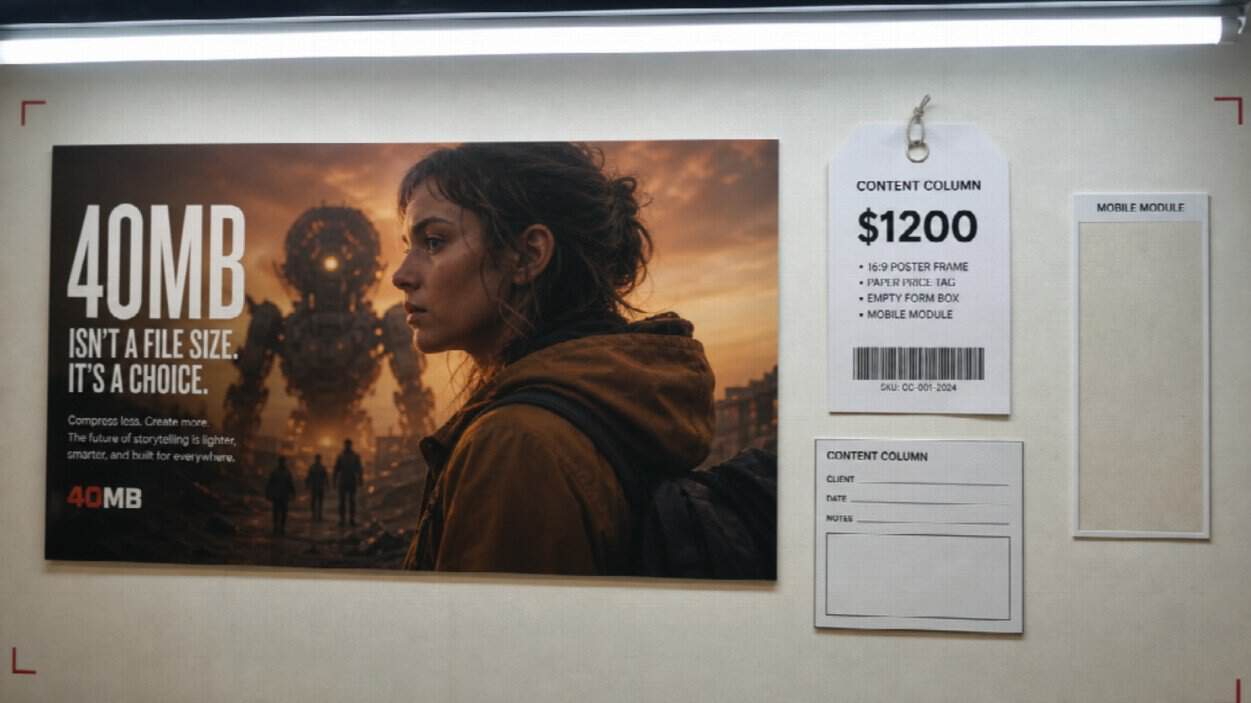
- Key strength: Vector-ish files that do not smash Core Web Vitals the way a 40MB hero will.
- Why designers use it: Brand illustration systems already live here.
Do not ask a generative video model to replace a two-second loader. That is the wrong unit of work.
4. Figma prototype recording — Best for stakeholder playback
- Best for: Client reviews, internal sign-off, “this is the flow” decks.
- Key strength: Pixel-true to the file you designed this morning.
- Why designers use it: No prompt can invent a component you have not drawn.
Use it in the process. Rarely use it as the public hero unless the product is the prototype aesthetic.
5. Wan 3.0 — Best when the live page or deck is the brief
- Best for: Feature landers, SaaS marketing sites, and “how it works” pages whose copy already exists.
- Key strength: Omni-reference: stills, clips, audio, and structured context from a document or webpage in one direction.
- Why designers use it: Re-filming a page you already wrote is slow; prompting “cinematic office” is how you get someone else’s office.
Wan 3.0 is Topview’s omni-reference workflow for that heavier packet. Map it to “this URL, in motion” — headline hierarchy, three steps, the screenshot that already shipped. Treat duration and extra context types as workflow guidance and confirm them in the live generator. Alibaba’s public catalog may not yet list Wan 3.0 as an official spec sheet.
Do not rank Wan 3.0 against Seedance 2.5 as two website builders. Both are models. One eats a fat, mixed brief from the page you published. One shoots a timed, kit-locked beat from a stills folder.
6. Product screen capture — Best for real software chrome
- Best for: Dashboards, editors, checkout, settings.
- Key strength: The pixels are true.
- Why designers use it: Generated UI still hallucinates menus.
Clean the cursor. Crop to the module you are selling. Overlay captions. Pair with a generated product object only if the hardware is real and the UI is captured.
7. Stock loops — Best for speed, weakest for identity
- Best for: Mood, texture, a holding pattern while the real clip is in review.
- Key strength: Immediate.
- Why designers still open these libraries: Deadlines.
If the brand sells a physical SKU, stock is a placeholder, not the PDP. If every competitor’s hero is the same handshake, your “inspiration” board already told you the problem.
8. Traditional motion design — Best when you have an animator
- Best for: Launch films, custom type, brand packages that must hit a frame.
- Key strength: Control After Effects still owns.
- Why studios keep the seat: Generated 20-second proofs do not replace a title sequence.
Use generation for the B-roll that would have been a stock day. Keep the animator for the lockup.
9. AI avatar presenters — Best for talking-head explainers, not SKUs
- Best for: Help-center walkthroughs, internal enablement, some B2B landers.
- Key strength: Voice and a face without a studio.
- Why this list keeps them in their lane: They do not keep a bottle label honest.
A generated spokesperson next to a generated “customer” is a trust tax on a marketing site. Real testimonials stay real.
10. Hero sliders and video widgets — Best as a player, not as a generator
- Best for: WordPress and page-builder sites that need lazy-load, posters, and mobile crops.
- Key strength: The embed behaves like a web component.
- Why this belongs on a 2026 list: Designers still ship bad files into good templates.
Slider Revolution–class tools, native Webflow backgrounds, and modern players do not create the picture. They decide whether the picture you generated or recorded will tank the homepage. Poster frame, muted autoplay plus captions, 16:9 in a content column, 9:16 only in a dedicated mobile module.
A practical stack, not a winner-takes-all chart
| Job on the site | Start here |
| Object-true 15–30s proof | Seedance 2.5 from a stills kit |
| Page or deck already written | Wan 3.0 omni-brief, if live on your account |
| The UI is the product | Capture + native motion |
| Illustration / loader | Lottie or Rive |
| Brand film / type | Motion designer |
Pick the lane the way you pick a typeface: one job per file. Then finish in the CMS you already compared in 2024.
Conclusion
AI web design platforms in 2024 taught the industry to generate a layout. AI motion in 2026 is the next critique: does the clip match the mockup, the URL, and the SKU?
Seedance 2.5 is the model for a directed, kit-locked 15–30 second beat. Wan 3.0 is the model for a document- or webpage-led explainer. Code, capture, Lottie, and a real animator still cover the rest. Compare them by input and by page job — not by which homepage promised the loudest render.