7 AI Tools That Are Actually Changing UI/UX Design in 2026

The design workflow in 2026 looks nothing like it did two years ago. AI has moved past the novelty stage and into the daily toolkit of product teams, handling everything from generating screens to picking colour palettes. But with hundreds of “AI-powered” tools flooding the market, it can be hard to tell which ones genuinely save time and which ones just add noise.
Below are seven tools that have earned a real place in modern UI/UX workflows — each tackling a different part of the process so you can build a stack that actually works together.
1. Flowstep — Go From Text to Editable UI in Seconds

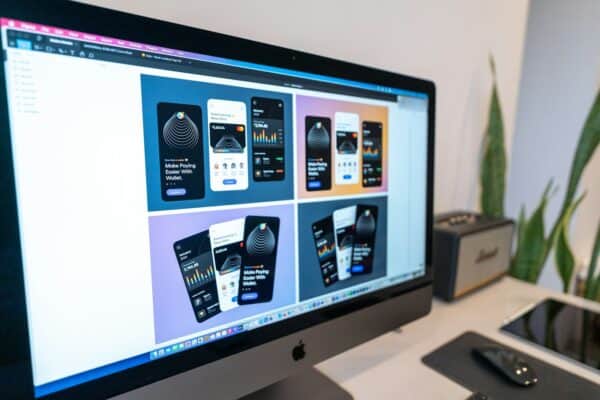
Starting a new project often means staring at a blank canvas, waiting for inspiration to arrive. Flowstep removes that bottleneck entirely. You describe what you need in plain language — a login screen, a dashboard, a multi-step onboarding flow — and the tool generates production-ready UI designs within seconds.
What makes Flowstep particularly useful is how deeply it fits into an existing workflow. You can feed it a PRD, reference images, or even a URL for context, and it produces multiple screens at once so you get a complete experience rather than isolated pages. Every design lands on an infinite canvas that supports both AI-assisted and manual editing, and your team can collaborate in real time with live cursors.
When you are ready to hand off, your designs copy-paste directly into Figma — no plugins required — or export as React, TypeScript, and Tailwind CSS code that matches the UI one-to-one. For product managers who need to communicate visually, or engineers who want to skip the back-and-forth, that code export alone can shave days off a sprint.
There is a free tier with no credit card required, which makes it easy to test before committing.
2. Figma AI — Intelligence Built Into the Tool You Already Use

Figma hardly needs an introduction, but its native AI features deserve attention on their own. Rather than bolting on a separate product, Figma embedded AI directly into the design file — meaning you can rename layers in bulk, generate placeholder content, and get layout suggestions without ever leaving the editor.
The biggest advantage here is zero context-switching. If your team already lives inside Figma, the AI features feel like a natural extension of how you work rather than a new tool to learn. It is especially handy during the polishing phase when you need to tidy up a file before developer handoff.
3. Adobe Firefly — Custom Visual Assets Without the Stock Photo Hunt

Mockups and presentations always need imagery, and sourcing the right stock photo is a time sink that designers know too well. Adobe Firefly generates images, textures, and design assets from text prompts, and because it is trained on licensed content, there are fewer intellectual property concerns than with other generative image tools.
For UI/UX work specifically, Firefly shines when you need to explore visual directions quickly — hero images, illustration styles, icon concepts — without commissioning assets or waiting on another team. Its integration with Photoshop and Illustrator means generated assets drop straight into your production files.
4. Khroma — AI-Powered Colour Palettes That Match Your Taste
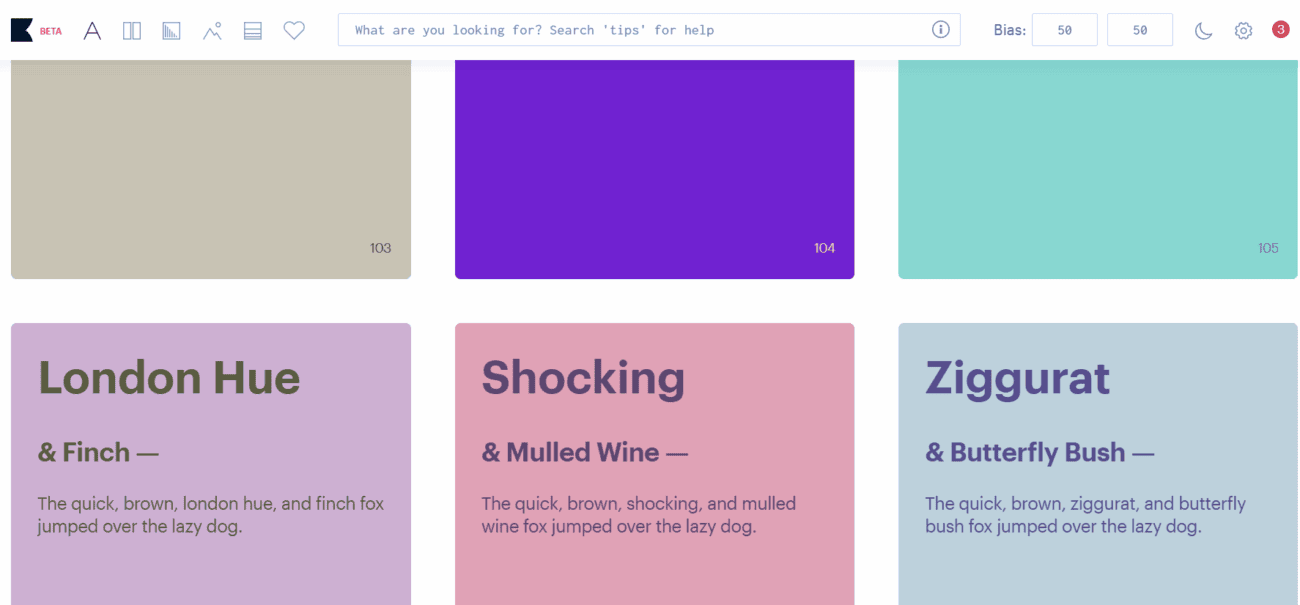
Colour selection is one of those tasks that can eat up surprising amounts of time, especially when a client says “I will know it when I see it.” Khroma uses a neural network that learns your aesthetic preferences after you pick 50 colours you like, then generates endless palettes, gradients, and combinations tailored to your taste.
It is a small, focused tool — and that is exactly why it works. Instead of scrolling through generic palette generators, you get results that already feel like your brand. The typography pairing suggestions are a nice bonus when you are building a design system from scratch.
5. Relume — Let AI Handle Your Information Architecture
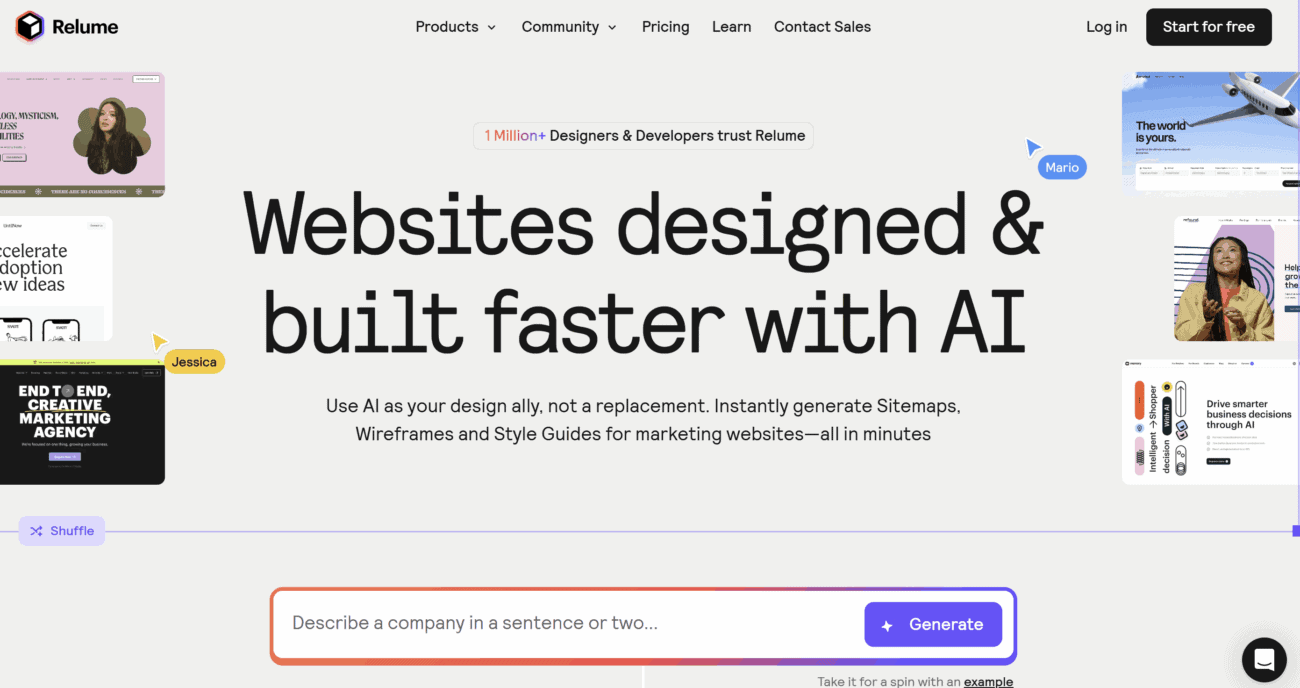
Relume focuses on a stage most AI tools skip: sitemap and wireframe generation. Feed it a project brief and it maps out the full site structure, suggests page hierarchies, and creates wireframes you can export to Figma or Webflow.
This is especially valuable for agencies and freelancers who design marketing sites. Instead of spending half a day in a whiteboard tool debating navigation, you get a sensible starting point in minutes. Relume also generates automatic style guides that help keep visual consistency across pages before you have even started the visual design phase.
6. Jasper — Microcopy and UX Writing at Scale
Good UX is not just about how a product looks — it is about how it reads. Button labels, error messages, tooltips, and onboarding copy all shape the user experience, yet writing them often falls to designers who would rather be designing.
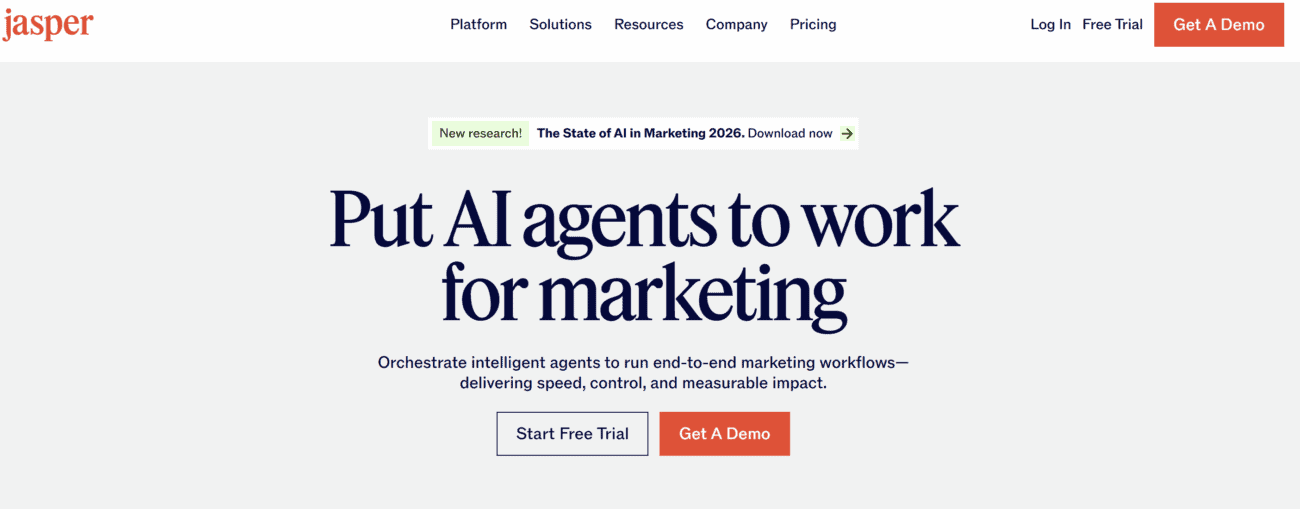
Jasper handles UX writing at scale. You can generate product descriptions, CTAs, empty-state messages, and entire onboarding sequences in seconds, then tweak the tone to match your brand voice. It does not replace a dedicated UX writer, but it gives teams without one a much stronger starting point than placeholder text.
7. Maze — AI-Assisted User Testing and Research
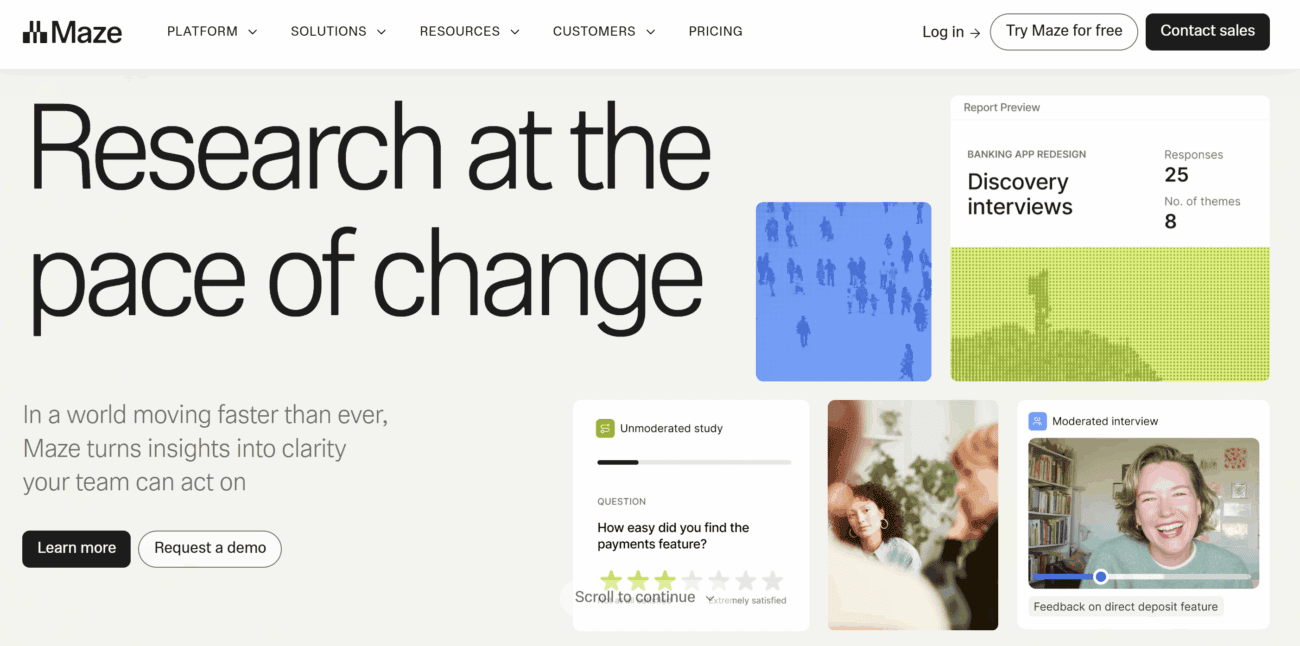
Designing a beautiful interface means nothing if users cannot figure it out. Maze brings AI into the usability testing process, letting you set up unmoderated tests, analyse results with automated insights, and generate heatmaps and click-flow reports without manually sifting through session recordings.
The AI-driven analysis is the real time-saver. Instead of watching hours of recordings, you get summarised findings, flagged friction points, and suggested improvements. It connects directly to Figma prototypes, so testing a new flow takes minutes to set up rather than half a day.
Building a Stack That Works Together
The real power of these tools is not in using any single one — it is in how they complement each other across the design lifecycle:
- Discovery: Use Relume to map out the architecture and Maze to validate assumptions with user research.
- Design: Generate initial screens with Flowstep, refine them in Figma with its native AI, and pull visual assets from Firefly.
- Polish: Dial in your colour system with Khroma and tighten up the copy with Jasper.
- Validate: Run usability tests through Maze before shipping.
No single tool covers the entire workflow — and honestly, that is a good thing. Specialised tools tend to do their one job well, and a modular stack lets you swap components as better options emerge. The key is picking tools that save actual time on the tasks you repeat most, not just the ones with the flashiest demos.
If you have not revisited your design toolkit recently, now is a good time. The gap between teams using AI effectively and those still doing everything manually is only getting wider.