

ConvertKit Review: An Objective Look at Features, Usability, and Pricing
Overview
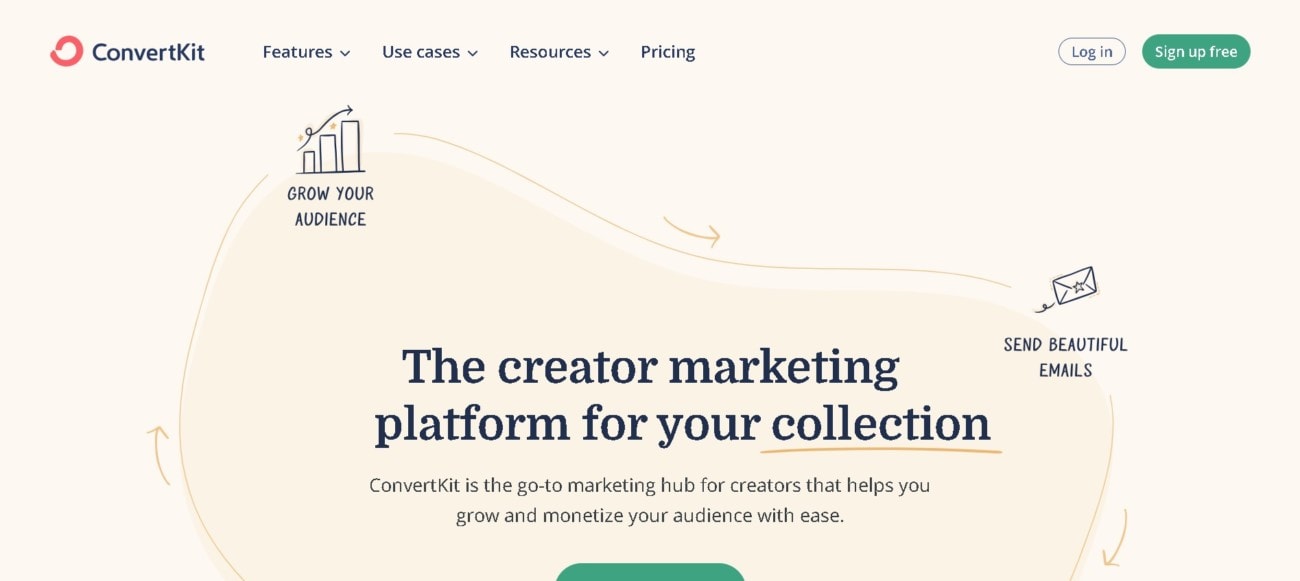
ConvertKit is an email marketing platform designed to help creators, bloggers, and entrepreneurs grow and manage their audience through professional email marketing tools. Launched in 2013, it has rapidly become a significant player in the digital marketing landscape, distinguishing itself through a focus on simplicity and usability. It’s tailored for individuals and businesses seeking to turn their online audiences into a sustainable income stream.
Pay yearly to get two months free
Click here to get this special offer 👇
Check Convertkit PricingCheck if you can get any special discount with our ConvertKit coupon code article.
Features & Functionality
ConvertKit offers an array of features to cater to its target market:
- Email Campaigns: It provides a range of email marketing tools such as sequences, broadcasts, and automation to send targeted emails.
- Automation & Workflows: Users can create complex email sequences triggered by subscriber actions, saving time and personalizing the experience.
- Subscriber Management: There is an emphasis on organizing and understanding subscribers through tags and segments.
- Forms & Landing Pages: Users can create custom forms and landing pages to capture leads without needing another service.
- Analytics: Detailed reporting features help track engagement and conversions.
One of ConvertKit’s unique selling points is its ease of use, especially in setting up email automation, which can be quite complex with other tools.
Usability & User Experience
ConvertKit’s user interface is often praised for its intuitiveness. Navigation is straightforward, with a clean design that avoids clutter and complexity. It is designed to be welcoming to those who may be less tech-savvy.
In terms of mobile responsiveness and cross-browser compatibility, ConvertKit ensures that both the management dashboard and the output (emails, forms, landing pages) display well on various devices and browsers.
Integration & Compatibility
ConvertKit is built to work in harmony with numerous other platforms. It integrates with popular services like Shopify, WordPress, and WooCommerce. For extended functionality, it can connect with Zapier, unlocking thousands of potential integrations.
Supported file formats for import/export tasks are typically CSVs for subscriber lists and HTML for email templates.
Pricing & Packages
ConvertKit’s pricing structure is subscriber-based with tiers that increase with the number of subscribers. There is a free plan with basic features and paid plans that unlock additional functionalities:
- Free: Up to 1,000 subscribers, with limited features.
- Creator: Starting at $29/month for up to 1,000 subscribers.
- Creator Pro: Starting at $59/month for up to 1,000 subscribers, with advanced features like subscriber scoring.
Prices scale with the number of subscribers. There are no additional costs unless one exceeds the subscriber limit of their plan.
Check Convertkit Pricing
Customization & Flexibility
ConvertKit allows significant customization within its email templates and landing pages. Users can choose from a gallery of themes and extend the customization using HTML and CSS if they have the expertise.
Customer Support & Resources
Customer support is available through email and live chat. However, phone support is not offered. There is a comprehensive knowledge base, and ConvertKit also provides workshops and training resources to help users make the most of the platform.
Security & Reliability
ConvertKit employs standard security measures, including SSL encryption and regular data backups. It claims a 98% deliverability rate and high server uptime, reflecting robust infrastructure.
Pros & Cons
Pros:
- User-friendly interface.
- Strong automation features.
- Good integration options.
Cons:
- Limited design customization in the free plan.
- Can be costly as the subscriber list grows.
- No phone support.
User Reviews & Testimonials
Users generally praise ConvertKit for its streamlined workflows and supportive community. However, some note that it can become expensive for larger lists and lacks advanced CRM features. Users also appreciate the regular updates and feature improvements.
Alternatives & Competitors
Alternatives include Mailchimp, ActiveCampaign, and AWeber, each with its unique set of features, pricing models, and focuses.
What makes it different from its competitors? How does it stand out on the market?
ConvertKit differentiates itself with a balance of powerful automation and a user-friendly interface. Its direct appeal to creators and bloggers gives it a niche focus that some competitors do not offer.
Conclusion & Recommendation
ConvertKit is a solid choice for creators and small business owners who prioritize ease of use and powerful automation in their email marketing. Its scalability makes it suitable for those starting out and those with growing subscriber bases. However, the cost factor should be considered as audiences grow.
For those looking for a straightforward, creator-focused email marketing tool, ConvertKit is certainly recommendable. It’s best suited for users who need a reliable, easy-to-use platform to manage and grow their email marketing efforts without the need for advanced CRM features.
Check Convertkit Pricing







