Widget Options Review: Simplifying WordPress Widget Management
Widget Options Explained
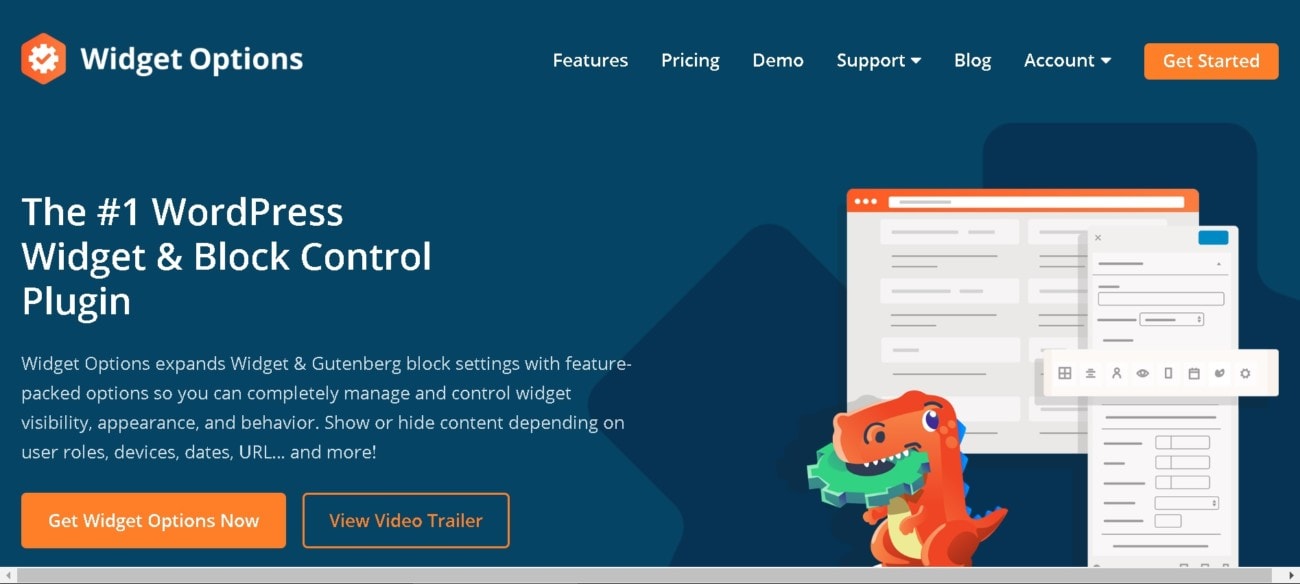
Widget Options helps WordPress users take control of their widgets. While themes help your site look good, and plugins enable your site to function, widgets bridge the gap between the two. With Widget Options, you can better manage your widgets and optimize their use. For example, hide specific widgets on certain pages or choose which type of devices your widgets are displayed.
With many exciting features, Widget Options is well worth a look.
Check if you can get any special discount with our Widget Options coupon code article.
Pros
Is Widget Options the answer to all your WordPress problems? Let’s take a look at why it is such a popular plugin.
Flexibility
The Widget Options plugin offers you a vast amount of control over how your widgets look and behave. With this plugin, you’ll no longer feel locked in by your widgets. Take control over their background images, form style rules, and color schemes. Or, you can adjust how your widgets behave on different devices. Therefore, you’ll be in better control of your website’s responsiveness.
Integrated
Out of the box, Widget Options integrates seamlessly with WordPress. With no annoying side menus in your admin area, it’s quick to get to grips with. The settings are simple to navigate. Plus, you can easily deactivate widget options that you don’t want or need.
Customize Settings
You can manage Widget Options through one simple and clean interface. Here, you can navigate settings, disable features, and enter your license key. To start:
- Click on “Widget Options” in the settings.
- Enter your license key and activate it.
- Adjust the different features as needed and enable or disable anything you don’t want.
It really is that easy.
Whether you’re a novice or experienced WordPress user, there’s no learning curve with Widget Options. It’s a hassle-free solution to improving your site.
Features
Widget Options is packed with rich features. You may not need all of them. However, it’s nice to have an extensive range available. Some of its best features include:
- Page visibility options
- Devices visibility options
- Custom alignment
- Widget logic
- Responsive columns
- User roles restriction
- Widget styling
- Days and dates visibility
- Widget ID and class
- Widget animations
- Sticky and fixed widgets
- Custom widget links
- Post types visibility
- Shortcodes
- Move widgets
- Clone widgets
- Widget cache
Cons
Do you need Widget Options? For a yearly renewal fee, is it worth the money? Here’s what Widget Options could do better.
Support and Renewal
Whichever plan you choose, you only get access to one year of support and updates. While this is relatively common for WordPress plugins, it can be frustrating to pay renewal fees to continue to receive updates. Otherwise, you can pay just once, but the plugin may become outdated or cumbersome in the future.
Is Widget Options Right for You?
Widget Options is the perfect plugin for all WordPress users. With a personal use plan as low as $19 a year, it’s an accessible plugin for anyone. Whether you’re a business owner or run a blog, Widget Options is the ultimate solution to take control of your WordPress website. Turn your widgets from something just doing the job to something that makes your website shine.