
WP Rocket Review: Boosting WordPress Speed and Performance
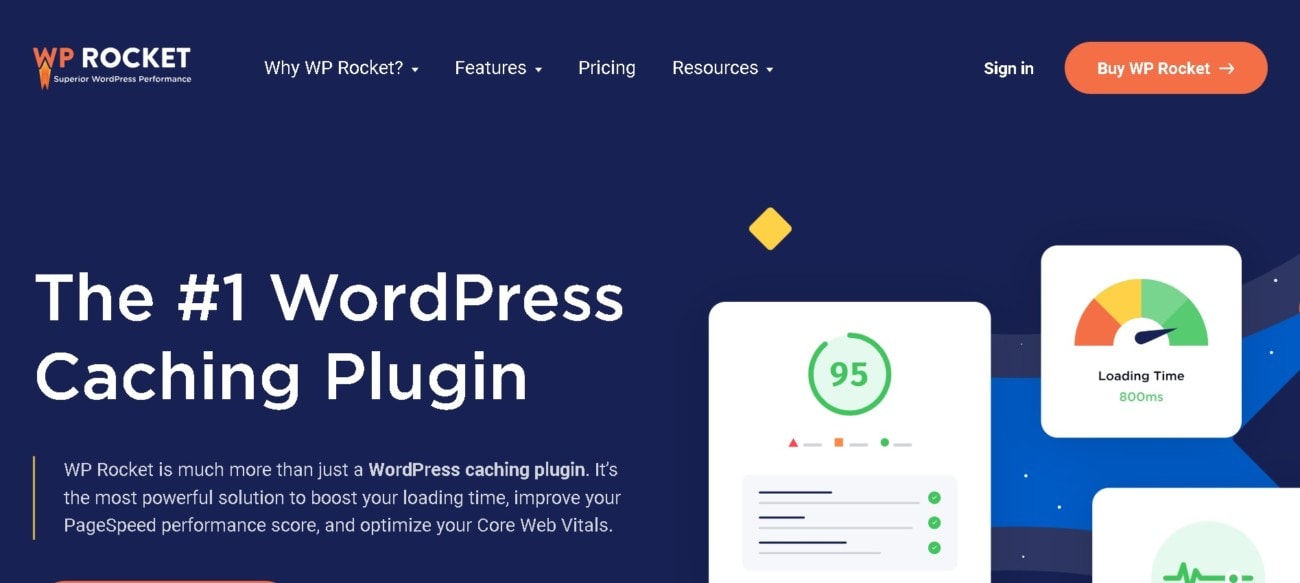
WP Rocket Explained
WP Rocket is a user-friendly WordPress plugin. Designed to improve caching and performance, WP Rocket is the ultimate plugin to optimize your WordPress site. With WP Rocket, you can create page caches, compress HMTL, JavaScript, and CSS files, image lazyload, and more.
The settings are easy to set up in just a few clicks. WP Rocket is an easy solution for beginners to optimize their sites.
Check if you can get any special discount with our WP Rocket coupon code article.
What We Like
WP Rocket is considered one of the best WordPress caching plugins available—let’s see if it’s as good as everyone says.
Quick Setup
Many competitive WordPress plugins are complicated to set up and configure. Even experienced WordPress users complain of their difficulty. Comparatively, you can set up WP Rocket within minutes. Its user-friendly dashboard simplifies the process. However, don’t worry about losing advanced features. It’s still powerful enough to take complete control of your caching.
Page Caching
WP Rocket specializes in caching. This means that the plugin records static versions of pages when users visit for the first time. The site cache recalls the static version with subsequent visits, ensuring faster loading times. Users can modify mobile caching, user caching, and cache lifespan settings. Moreover, there are advanced rules where you can tweak further options.
Database Optimization
Unlike other plugins, WP Rocket enables you to clean up your database. Over time, caching plugins bloat and slow down. Either set up regular database cleaning on a schedule or manually reduce the size. Furthermore, you can delete revisions, auto drafts, trashed posts, and spam and trashed comments.
Lazyload
Images are some of the bulkiest parts of your website. The more your site has, the longer each page will take to load. One solution is lazyloading. Essentially, this ensures your site only loads each image as and when your visitor scrolls towards it rather than loading all at once.
eCommerce Friendly
eCommerce plugins, such as WooCommerce, aren’t always compatible with caching plugins. The plugins tend to cache all pages, including the cart, checkout, and other details. Therefore, the customer cannot see their updated carts. Luckily, WP Rocket works smoothly with most eCommerce plugins. It detects eCommerce pages automatically and doesn’t cache them.
What Could Be Better
Here is where WP Rocket could improve.
No Phone or Live Chat
If you want to get in touch with customer support, you only have one option. Unfortunately, phone and live chat are not available. Instead, you’ll have to use their ticket option and wait for someone to respond to your request for help.
No Free Version
WP Rocket doesn’t offer a free version, unlike many other caching plugins. This isn’t necessarily a bad thing, however. WP Rocket provides superior features and compatibility. It’s well worth the money.
Ideal User
If you want an easy-to-use and simple solution to boost your website, WP Rocket is your best option. While they don’t offer a free version, their features are far superior to their competitors. It’s beginner-friendly and has advanced functions that suit the more experienced WordPress user.