

An In-Depth Look at Camtasia: Features and User Experience
Defining Camtasia
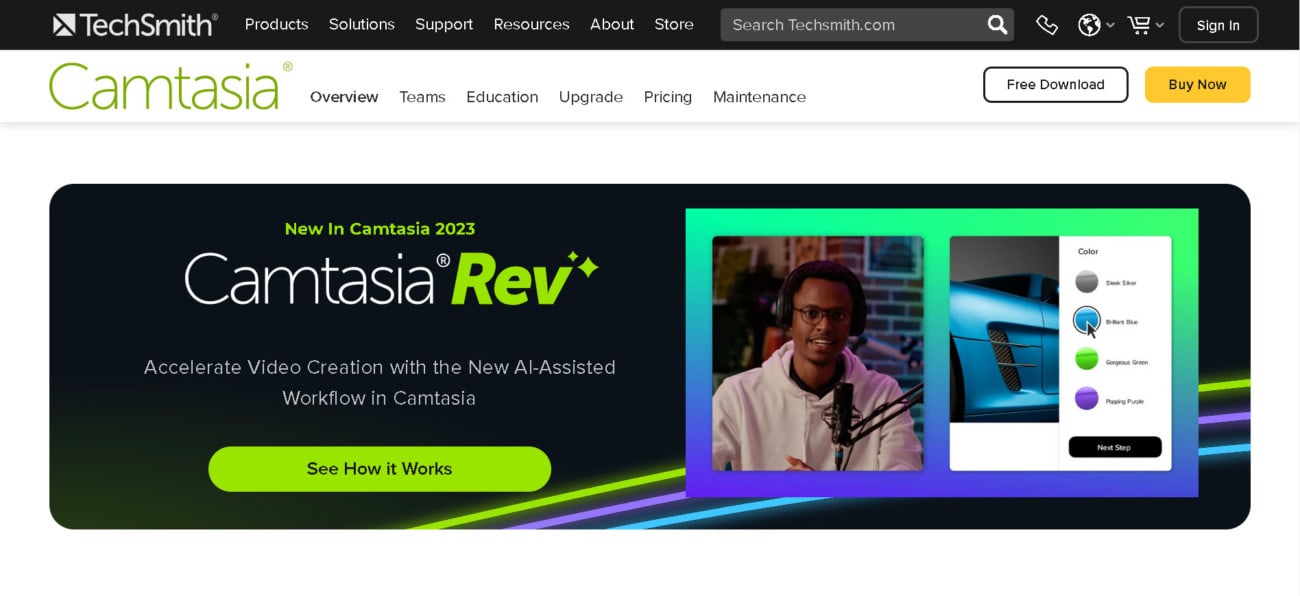
Camtasia is the perfect all-in-one tool for recording and editing videos. Capture your entire screen—or just parts of it—and edit your creation with the video editing software. Camtasia offers a whole range of features, from adding royalty-free music to including interactive segments. It’s ideal for training, teaching, or demoing products. Plus, it’s easy to use.
Check if you can get any special discount with our Camtasia coupon code article.
The Best All-In-One Screen Recorder and Video Editor
Start recording and creating professional video. Click here to try Camtasia 👇
Try Camtasia - It's FreeWhat Camtasia Does Well
Camtasia is an excellent tool to create videos quickly. With it’s user-friendly interface and library of available assets, it’s good software for beginners. Here is what Camtasia does well.
Very Easy to Learn
Whether you’re a video editing beginner or just like things simple, Camtasia is very easy and quick to get to grips with. Everything within the video editing software is clearly labelled and intuitively placed. Plus, with an automatic snap feature, it’s clean and straightforward.
Superior Screen Capture
Camtasia has one of the best screen recording software out of all it’s competition. Top quality resolution, an accessible toolbar, and quick to start and stop, it’s miles ahead of any other screen capture software. It works smoothly on both Windows and macOS.
Interactivity Features
Perhaps one of its strongest features, the options to include interactive quizzes make this software perfect for training and teaching videos. You can add quizzes and interactive segments directly to your video to encourage and measure learning.
Range of Templates
Whether you’re short on time or new to video editing, Camtasia offers a range of templates and assets for you to drag and drop into your video. Including icons, introduction templates, motion backgrounds, music tracks, and more.
One-Off Payment
Unlike other video editing software, Camtasia is purchased with a one off payment. While some might think it’s quite pricey, for all you get it’s worth the cost. In fact, it can often work out cheaper than many competitors with ongoing subscriptions. You can also sign up for their free trial before committing.
Regular Updates
Finally, Camtasia provides regular updates to fix bugs and improve performance. While you only pay once, you get unlimited updates that constantly refine the software.
Try Camtasia - It's Free
What Camtasia Doesn’t Do So Well
While Camtasia is a good choice for beginners and those who like an easy life, some might struggle with its limited customization and lack of professional features.
Limited Customization
There are limited customization options with the Camtasia templates. For example, annotations, transitions, and behaviors cannot be tailored to your video. Most users building training videos should find that it satisfies their needs but anyone wishing to create more customized effects might feel constrained.
Not for Professionals
The software is suited for beginner video editors. Therefore, more professional editors might think it lacks important features. However, as this software is not designed with the professional in mind, it’s hardly a fault.
Camtasia’s Ideal User
Camtasia is designed for beginners wishing to create training videos, tutorials, or product demos. With easy-to-use and intuitive features, anyone can get to grips with the program in no time at all. If you’re looking to quickly put together high quality educational videos, then Camtasia is for you.
Try Camtasia - It's Free





