
Using a web analytics tool is essential if you want to know how your website is performing and how it can be improved. It allows you to make informed decisions to improve your website’s functionality and enhance the end-user experience.
However, choosing the best website analytics software can be a daunting task. That’s because there are tons of options available in the market and each one of them claims to be the best one.
To make your search easy, we have come up with this guide that contains the best website analytics software tools to choose from. Read each option carefully and select the one that suits your business’s needs the best.
What is Web Analytics Software?
Website analytics software is a digital tool that allows you to monitor, measure, and record the activities of your website visitors. These activities include the source of each visitor, the content they interact with, user clicks, total traffic, unique users, bounce rate, and so on.
In simple words, these tools allow you to find everything that’s taking place on your website and collect insightful data to find out what’s working for your business and what’s not. You can use this information to make data-driven decisions to fill the gaps for better user engagement and increase conversions.
Our List of Best Website Analytics Software
Here’s our list of the best website analytics tools that you can use for your business.
1. Google Analytics

Google Analytics is by far the most popular website analytics tool, as recent statistics show that 55.3% of all websites use it. Being a traditional analytics tool, it collects and offers real-time data about your website’s traffic like time on page, sessions, pageviews, transactions, event hits, bounce rate, and more.
One of the best features of this platform is its reporting capabilities. It offers multiple types of reports covering different ways in which your website visitors can interact with your digital portal.
Additionally, it’s also possible to import, customize, and segment data from third-party tools to Google Analytics. If you’re using other tools by Google, then using this tool can be the best option because of its seamless integration options.
Pros
- Detailed insights about website visitors
- Easy integration with other Google tools
- Customizable reports
- Continuous learning is involved because of new features
- Free to use
Cons
- A learning curve is involved
- Can be overwhelming for beginners
2. Hotjar

The second option on our list is Hotjar, which is also very popular, especially because of its heat maps and recording tools. While this tool has paid subscription models, they come with a 15-day free trial. It allows you to use the tool with its full feature set to determine if it’s the right choice for you.
Additionally, Hotjar also offers a free plan, which allows you to monitor and record up to 35 sessions daily. Other than heat maps and visitor recordings, the tool also offers conversion funnel reports, form analysis, surveys, and form analysis.
However, it’s important to note that the tool’s user interaction tracking isn’t automatic. To get it working, you need to use its API and write scripts in JavaScript.
Pros
- Free plan that supports up to 35 user sessions daily
- Provides detailed information about users
- Detailed reporting features
- Multi-device support
- Visitor recordings and heatmaps
Cons
- Doesn’t record events without JavaScript code and API integration
- Lack of criteria-based demographics
- Session recordings aren’t downloadable
3. Woopra
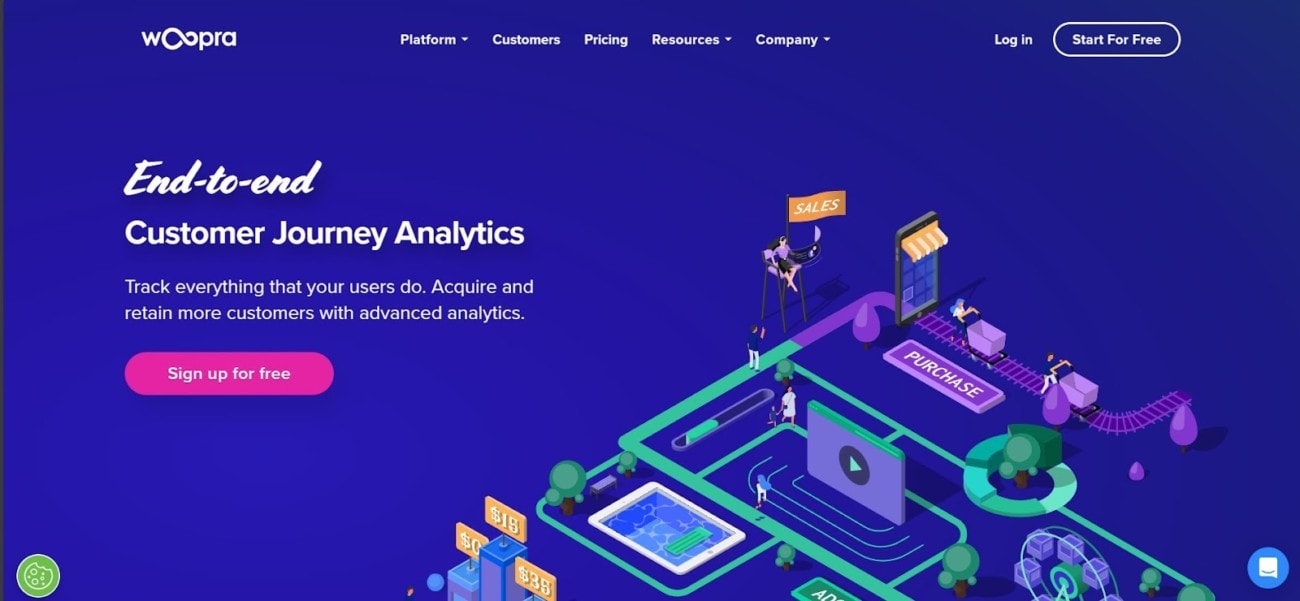
Woopra allows you to collect the data of your website visitors through multiple touchpoints, covering each point of the buyer’s journey. It uses advanced real-time reporting to help you understand the behavior of your website visitors and find insights, which can help you turn them into paying customers.
One of the best features of this tool is that it creates a unique profile for each customer, which contains data like help desk, live chat, and email conversations.
Woopra offers three different subscription models, including Free, Pro, and Enterprise. The best thing about this free version is that it allows you to record up to 500,000 user actions per month.
Pros
- Real-time detailed reporting
- Unique trend reports to improve your marketing campaigns
- Free plan with decent features
- Covers each step of the customer journey
- Easy to use
Cons
- Free plan retains data only for 90 days
- Paid versions are a bit expensive
- Setting up can take time
4. Matomo
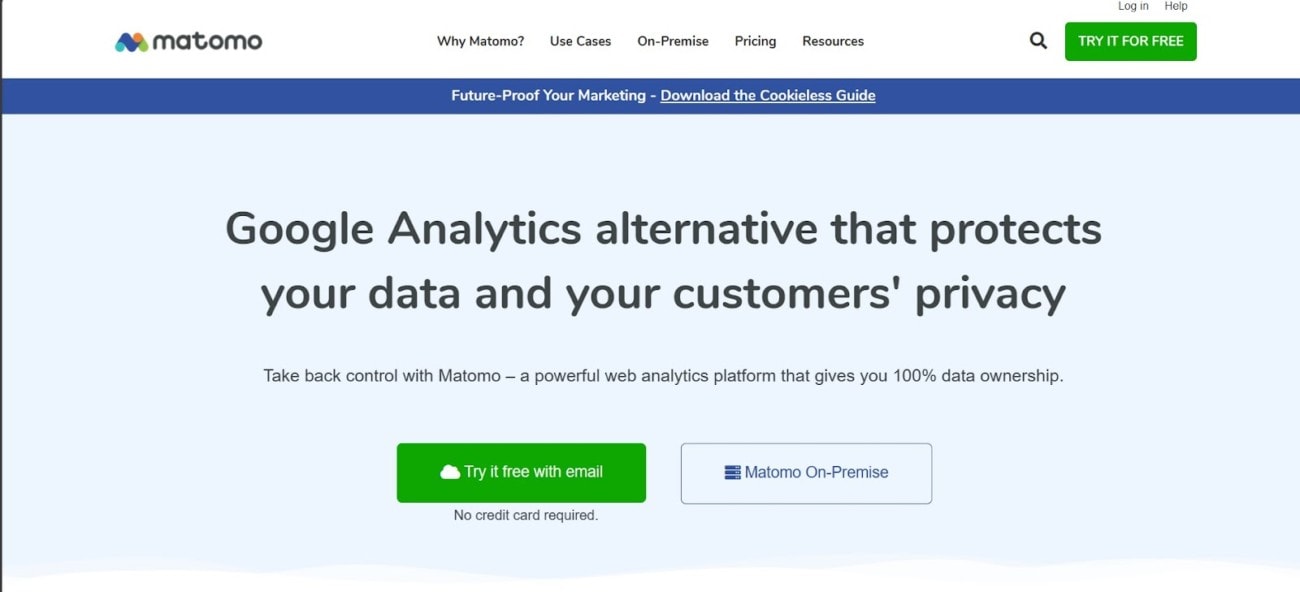
Matomo, formerly called Piwik, is known as a privacy-friendly tool for performing website analysis. It’s an open-source tool that allows you to track a wide range of metrics regarding your website, such as the total number of visitors, the pages they visit, and the events they trigger.
One of the best features of this tool is that you can use it for free if you have hosted your website yourself. It’ll also make sure that your data remains in your hands. Other notable features of Matomo include heatmap analytics, session recording, custom reports, form analytics, and detailed visitor profiles.
Pros
- Privacy friendly tool
- Free to use for users hosting their websites
- Real-time reporting
- Affordable cloud subscription
Cons
- Might be a bit complex for beginners
- Customer support could be improved
5. Clicky
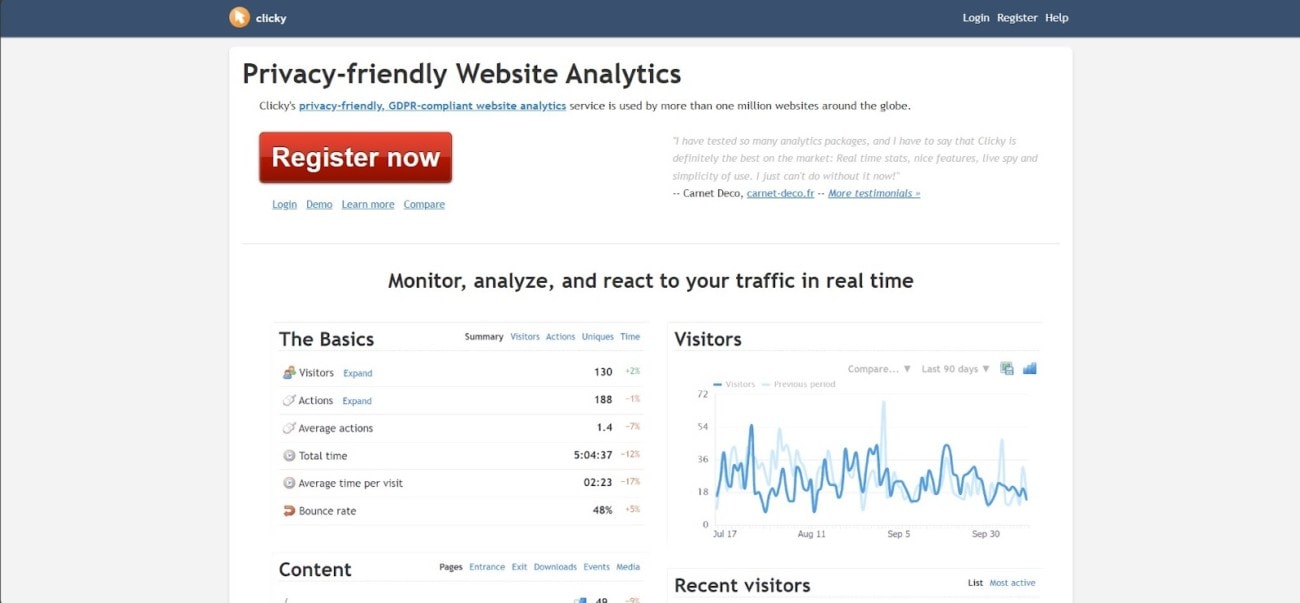
The last web analytics software on our list is Clicky, which is a cloud-based, privacy-friendly, and GDPR-compliant tool. Just like other solutions, it also allows you to monitor, record, and analyze your website traffic in real time.
The main features of this tool include multiple user accounts, engagement reporting, campaign tracking, path analysis, heatmaps, alerts, and data export.
Clicky also offers both paid and free versions, and the latter allows you to get up to 3,000 daily pageviews. When it comes to paid versions, there are four different options, and all of them come with a 21-day free trial.
Pros
- Privacy-friendly, GDPR-compliant tool
- Offers real-time data
- No identifiable backtracking code
- Free version with decent features
- User-friendly interface
Cons
- Export file limitations
- Reports can be slow
Final Words
Understanding the behavior of your website traffic is critically important. That’s because it allows you to find areas on your website that you can improve to enhance user experience and turn your website visitors into paying customers.
The best way to achieve that is to use a website analytics tool, and we hope this guide has helped you find the one that suits all your unique needs.