
Let’s assume that it’s your very first time launching a business website. A virtual countdown is set to the date and time your website is published and you’re altogether excited and anxious. You’ve spent time, money, and resources to design and build your website as well as craft compelling content.
But you get a gnawing feeling inside. What if you missed something? Are the different website components functioning properly? Is the design cohesive? Are the CTAs and links in your content right and don’t lead to errors and redirects? So many questions and you hope you’ve got enough time to go through all of them again.
You require a website launch checklist to ensure everything is good to go. No worries, we got you covered with this article. Consider this a handy reference guide of best practices before your site goes online. You may also want to read this complete guide about web design.
Website Launch Checklist
A website has many working parts and you need to make sure that everything is running smoothly. There are several items to check so you should set ample time to do this before your launch. Here are the most important ones:
1. Scrutinize site content

A website with sloppy writing and full of text errors will not win you visitors or customers. Content is king, so treat it as such.
- Proofread text content and copy for grammar, spelling, and typos.
- Remove or replace duplicate, dummy, and generic content (ex. lorem ipsum)
- Confirm company/business contact details are correct
- Ensure articles are fresh, relevant, and engaging to your audience
- Copyright date usually in the footer should include the current year
2. Examine design and styling
Design should support content so carefully review that the former complements and carries the latter.
- Design and style are aligned with the brand.
- Overall design aesthetics is consistent, cohesive, and visually pleasing.
- Images, scripts, and CSS are optimized throughout the web pages
- Design elements (ex. fonts, images) are duly licensed or attributed
- Replace all designs and images in the placeholder with the right ones
- All styling preferences (ex. colors, typography, formatting) are followed.
3. Test the website’s UI and UX

Along with substance and style, user interaction and user experience are factors that can make or break a website. These are high-priority areas.
- Website pages are accessible and compatible across multiple devices
- Video, images, and other media files are optimized for the small screen
- Internal and external links on all pages work properly and point to the right places
- Social media share icons direct and associate with the right accounts
- Navigation is simple, smooth, and responsive
- Website and pages load fast and are easily accessible
4. Ascertain usability and functionality
Do the different functional parts of the website work as intended? Usability is critical for SEO and conversion so be fastidious in this aspect.
- Landing pages work and are in place
- CTAs have the correct buttons and proper links
- All signup, contact, and web forms are in order and ready
- Check login procedures and credentials if the site requires these
- Autoresponders (if there are) should respond accordingly
- If the website has a purchase/payment system, test every step in the process
- Act as a user/visitor of your website and personally experience how it is to interact with the various functions and features of your site
5. Verify security and backup measures

Solid security protocols and backup strategies ensure that website and customer data are safeguarded. The overall reliability and stability of your website must be guaranteed.
- Determine there are no issues with the web hosting service provider (ex. SSL certificate, data encryption, firewalls, DDoS protection, restore points, access controls, uptime guarantee, server capacity, etc.)
- Site and user passwords as well as credentials are securely stored
- Backup schedule is in place and backup location is identified
6. Check that SEO components are error-free
It’s crucial that SEO components are optimized and in place as this will provide optimal site experience for your visitors. It also makes your website easy to index and crawl by search engines.
- Pages carry unique page titles and meta descriptions
- Each page has no duplicate content and is optimized for the pertinent keyword
- URLs are simple, properly describe each page, and depict your website’s architecture
- Determine your website’s health – fast page speed, no broken links, pages can be crawled, etc.
- Carry out an SEO audit (many online tools can perform technical SEO)
7. Validate your website’s legal compliance

Laws and regulations governing the Internet can be complicated and confusing. Often, certain countries and industries have their own set of standards. Just to be on the safe side, make sure you have the following:
- Proper licenses covering codes, fonts, plugins, and non-royalty-free multimedia (ex. images, video, music).
- Notification to site users on the use of cookies which some countries require.
- A “Terms of Service” page detailing privacy policies and services, especially if it’s an eCommerce site.
- PCI compliance if you accept credit card payments.
8. See if Google Analytics is properly set up
This tool is powerful, free, and can be easily integrated into a website. It’s a tracking code embedded on your site (normally in the header so that it works on all pages). With Google Analytics in place, you’ll get all important data including, among others:
- Sources of traffic
- General profiles of visitors
- Devices that visitors use
- Visitor engagement and behavior
- Most popular posts and pages
- Site/page loading speed
- Marketing campaign performance
- Conversion rates
9. Look into browser compatibility
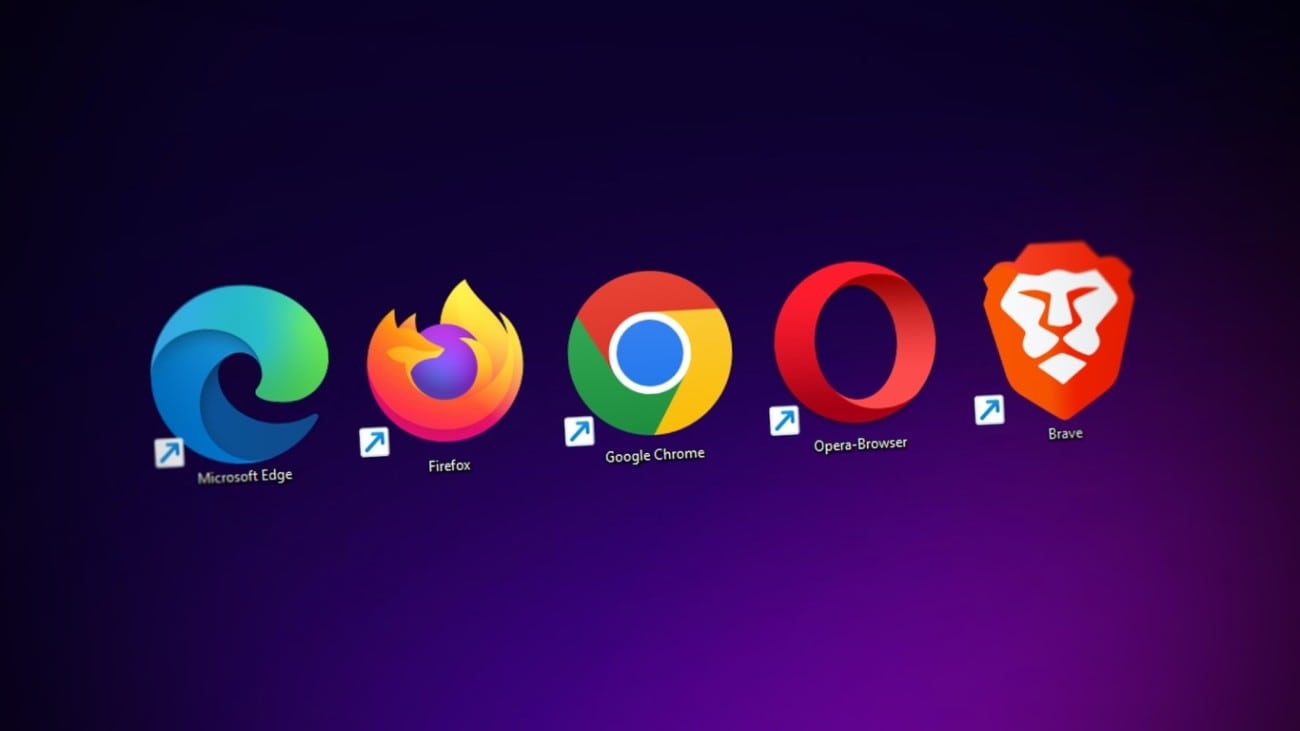
Take time to see how your website looks and behaves in various web browsers to see if there are compatibility issues.
- Check how the website and its pages appear in major browsers – Chrome, Firefox, Edge, and Safari – and different devices – desktop, laptop, tablet, and smartphone.
- Go further and see how the site shows up in less mainstream web browsers like Opera, Vivaldi, SeaMonkey, etc.
10. Scan for small errors
We often miss the little ones. As they say, specks of dust can blur the entire vision. Similarly, tiny errors can mess up the whole setup and experience.
- Read again copy and texts for errors in punctuation, typos, spelling, and grammar.
- Ask another person to proofread the content and gauge for readability.
- Randomly click on links, CTAs, download buttons, dropdowns, popups, signups, menus, tabs, and other clickable elements to verify that they work.
Then take a break. Go over the checklist again if you have to and reschedule your launch date if you need to. If everything proves accurate and measures up, then you got the green signal. Go ahead and announce to all the big event.
The Bottom Line
All the above may seem overwhelming. Indeed, the checklist has so many details that you have to devote time and patience to go through them like a fine-tooth comb. But the bottom line is that it’s the only way to guarantee that all goes right for the website launch. It’s the only option. There is no alternative to diligence and best practices.