The Overlooked CTA: How to Use Your Email Signature to Drive Traffic and Conversions
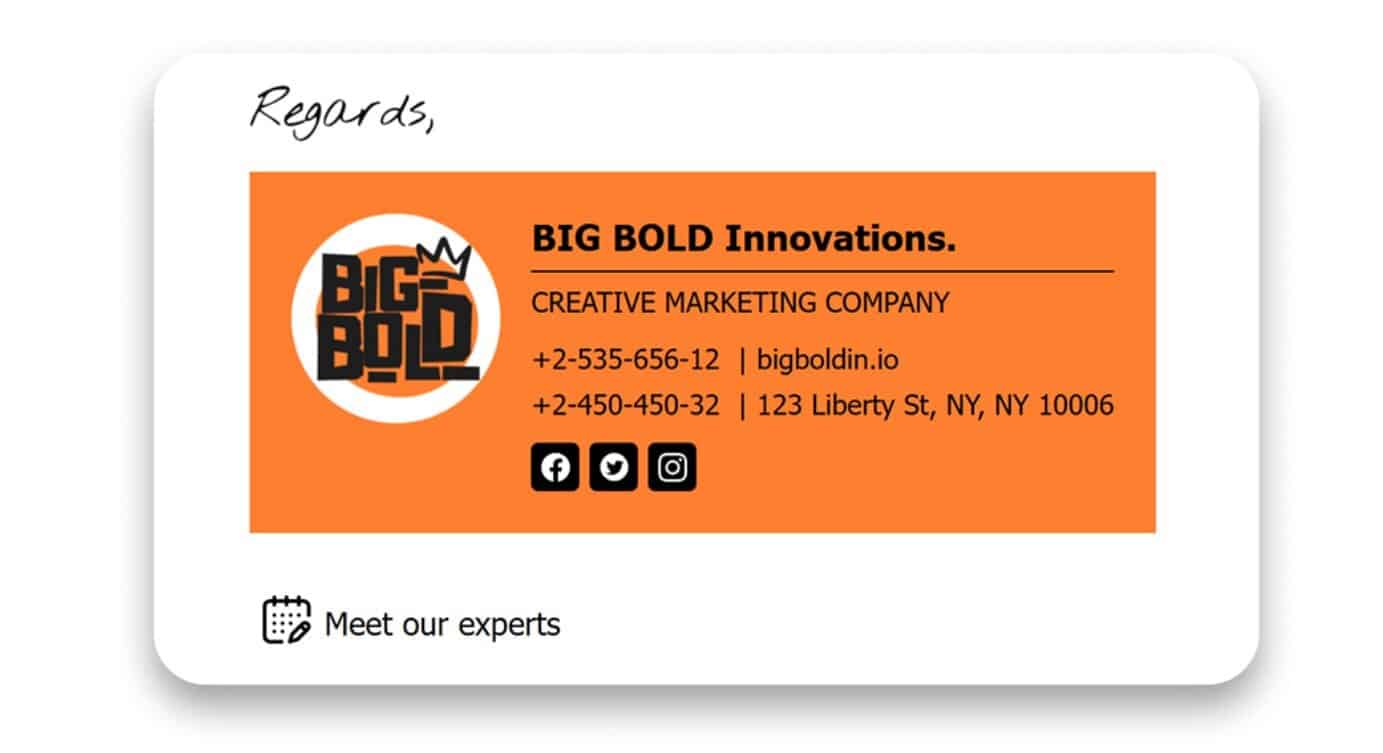
Regarding digital marketing, most businesses obsess over the obvious: landing page optimization, social media ads, SEO tweaks, and email subject lines. While those tactics matter, there’s one marketing asset that quietly appears in every client interaction and is often completely ignored: the email signature.
Your email signature is a surprisingly powerful space for promoting your brand, generating leads, and nudging users toward your call-to-action (CTA). In a world where attention spans are short, and marketing channels are crowded, your email signature can become a consistent, low-effort conversion point that works passively in the background.
Let’s explore why this overlooked CTA deserves more attention – and how you can start using it today to drive real results.
What Is an Email Signature?
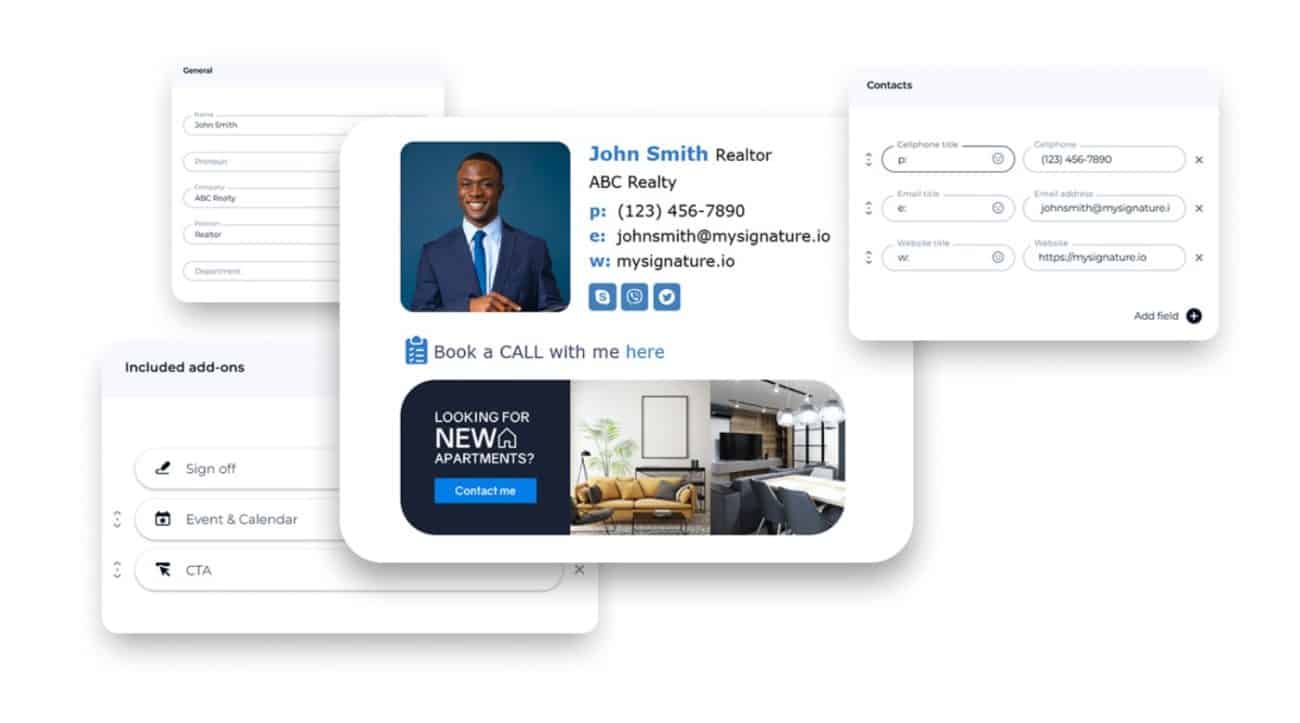
An email signature is a block of text or design that appears at the end of your email messages. At its most basic, it includes your name, title, company, and contact details. But at its best, it acts like a miniature business card and marketing banner rolled into one.
Here’s what a modern email signature might include:
- Your full name and role
- Company name and logo
- Phone number and website
- Social media icons
- A professional headshot
- A clickable CTA (e.g., “Book a Call,” “Download our Guide,” “Check Out Our Latest Work”)
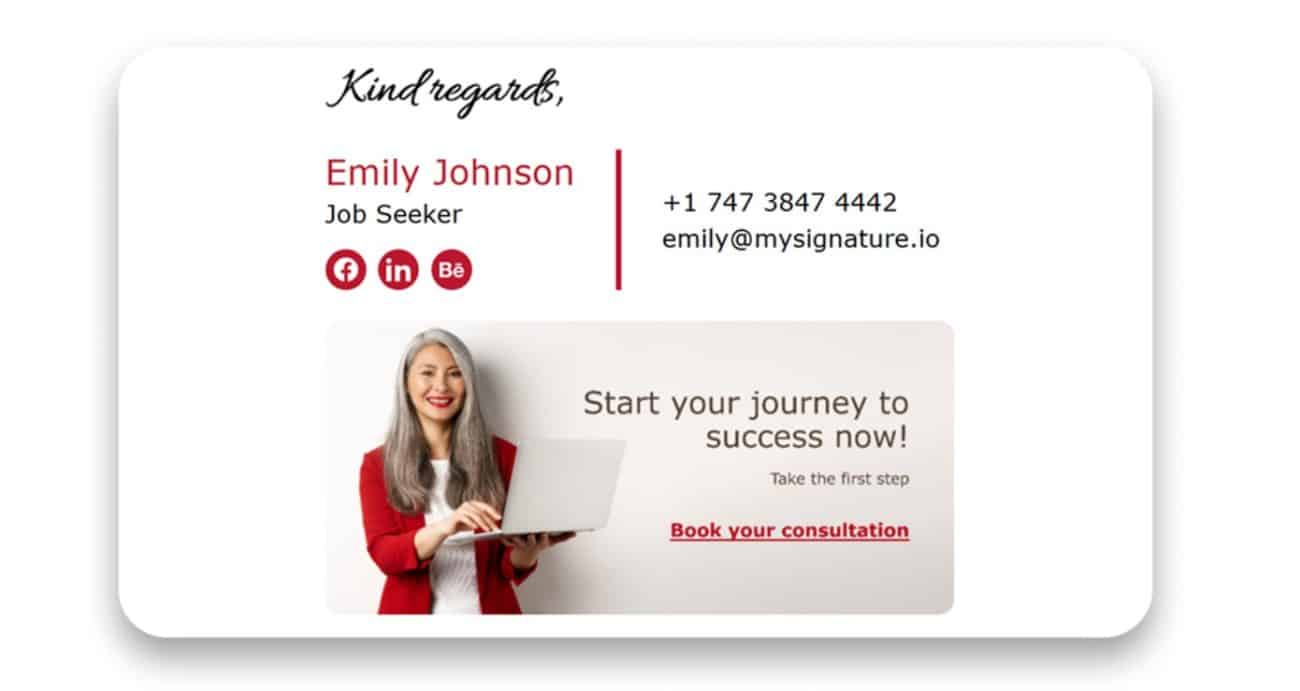
This section of your email is not just for contact info – it’s prime real estate for branding and conversions. The difference between a plain-text sign-off and a professionally designed signature is like the difference between a handwritten sticky note and a branded business card.
How Email Signatures Are Used in Marketing
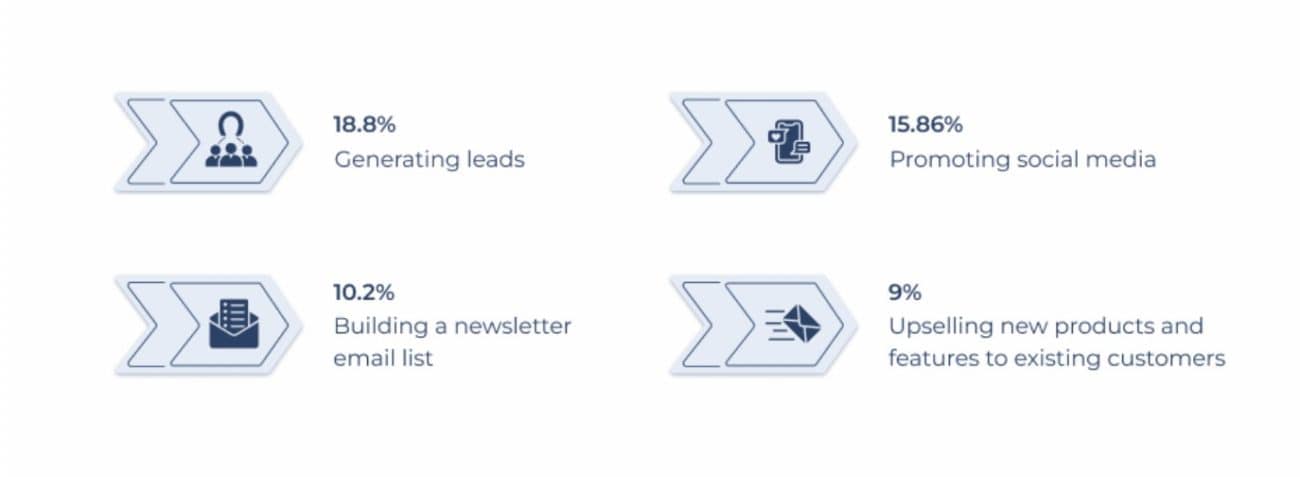
It might surprise you how much marketers can actually do with a well-placed email signature. According to recent research, here are the top four uses for email signatures in marketing campaigns:
- Generating leads – 18.8%
- Promoting social media profiles – 15.86%
- Building an email newsletter list – 10.2%
- Upselling new products/features to current customers – 9%
These stats reflect a simple truth: the average office worker sends about 40 emails daily. Multiply that by a month, and you have over 800 branding opportunities per person. For larger teams, that adds up to thousands of touchpoints every month – all pointing users to your CTA.
Let’s break this down further.
Generating Leads
Your email signature becomes a subtle funnel by including a link to a lead magnet, free consultation, or quote form. You’re not pushing a sale – just leaving a useful link. And that low-pressure interaction can be remarkably effective.
Promoting Social Media
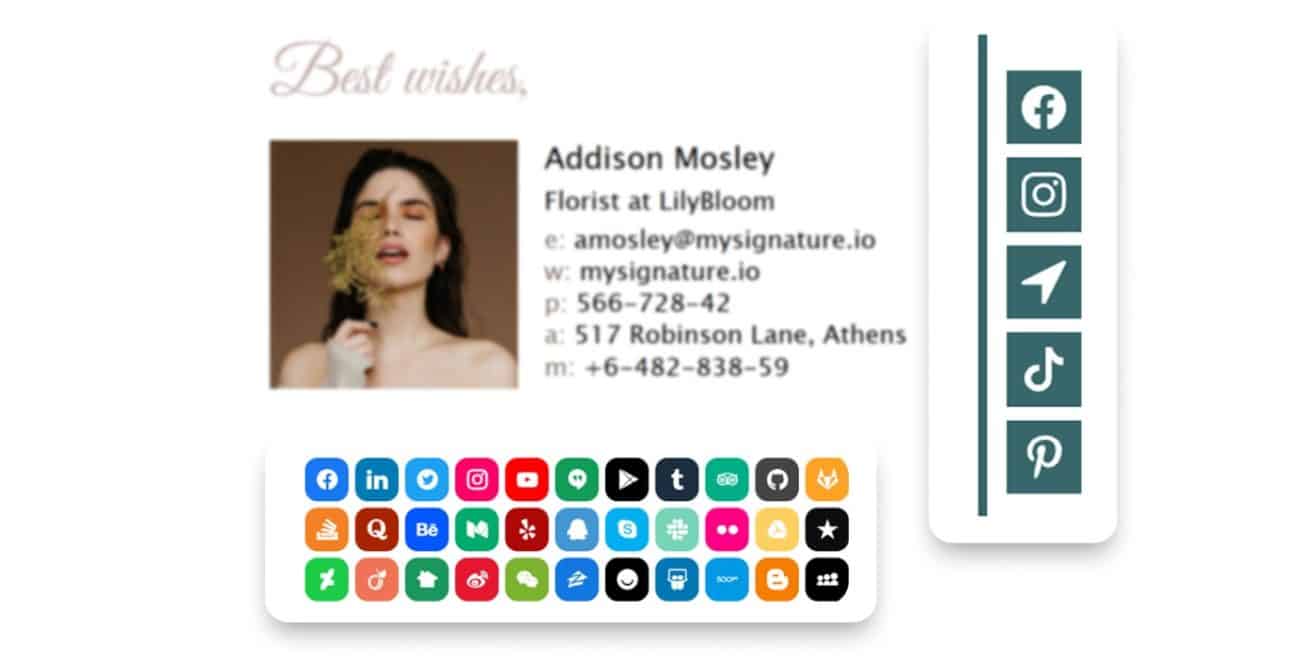
Adding clickable social icons makes you look more professional and helps grow your channels with minimal effort. It’s beneficial for personal brands, agencies, and creators.
Growing an Email List
A link to your newsletter signup form or latest blog post can turn every email into a micro-distribution channel. When targeted at the right audience, this adds up quickly.
Upselling Products and Features
Already have a customer? Your email signature can help them discover other services they didn’t know you offered. A simple “See what’s new” button or banner goes a long way without sounding pushy.

How to Create a Professional Email Signature
The great thing about email signatures is that they’re easy to build – and even easier to scale across your team.
One of the simplest and most effective ways to create an eye-catching email signature is by using a generator like MySignature. It’s a tool that allows individuals and businesses to create beautifully designed, mobile-friendly signatures without touching any code. With MySignature, you can:
- Choose from multiple modern templates
- Customize fonts, colors, and layout to match your brand
- Add your logo and a banner for promotions
- Include links and social icons
- Generate signatures compatible with Gmail, Outlook, Apple Mail, and more
- Apply consistent designs across your entire company
- Track banner clicks using UTM parameters
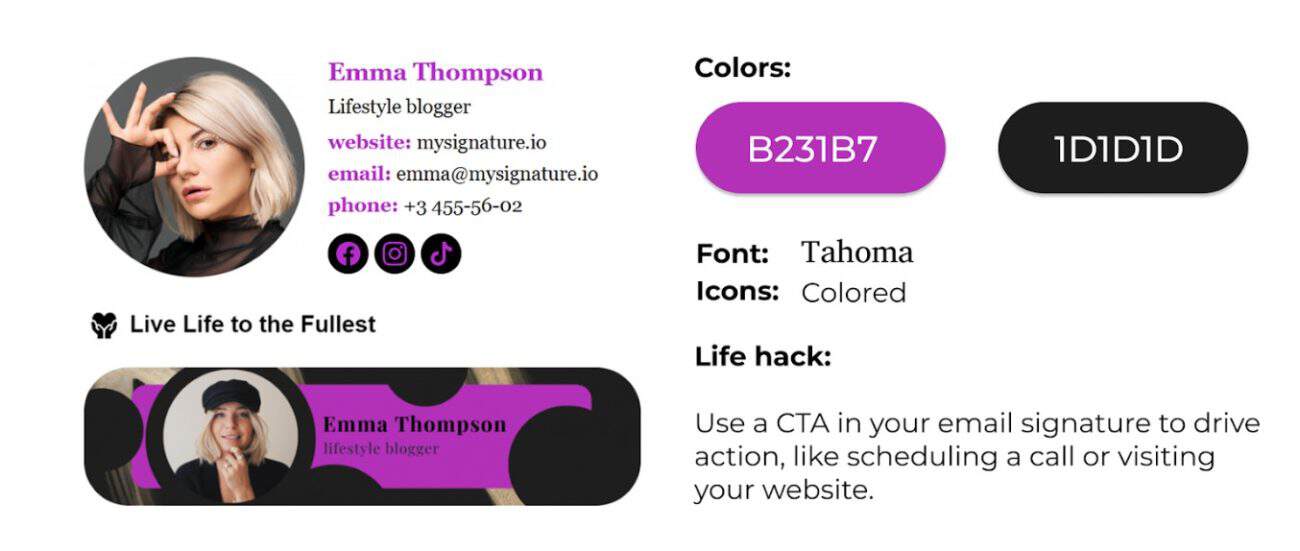
Whether you’re a freelancer trying to look more professional or a growing business looking to standardize communication, a tool like MySignature ensures your emails look polished and purposeful.
Best Practices and Tips for High-Converting Signatures
Do you want your email signature to convert without coming off as spammy? Follow these guidelines:
Keep It Visual – but Clean
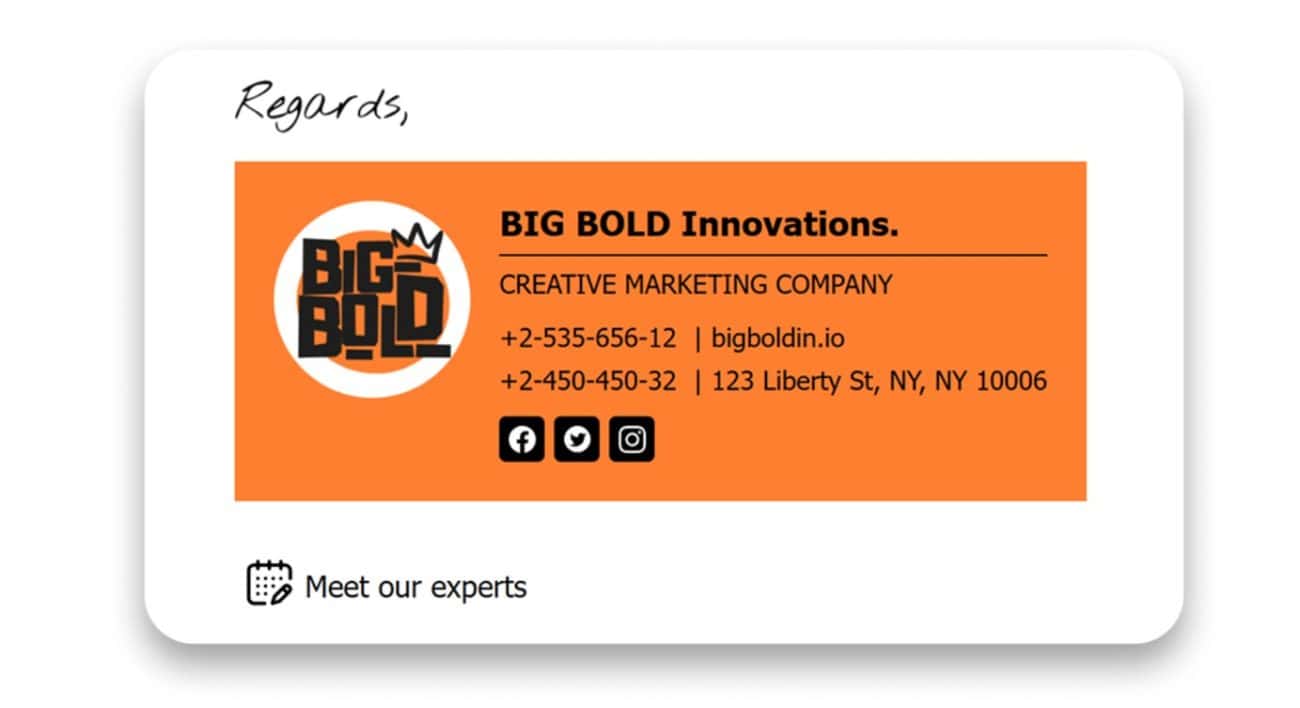
Add logos, icons, and a CTA banner, but avoid overloading your signature. Clean layout and spacing matter as much as design.
Stick to One Clear CTA
Too many links confuse users. Choose one primary action you want people to take (schedule a demo, follow on LinkedIn, download a guide) and build around that.
Make It Mobile-Friendly
Over 40% of emails are opened on mobile. Make sure your signature is responsive and easy to click on smaller screens.
Update It Regularly
Running a new campaign? Launching a product? Update your CTA banner or message accordingly. Your signature should evolve with your business.
Test and Measure
Use tracking links (UTMs) to see what your audience is clicking on.
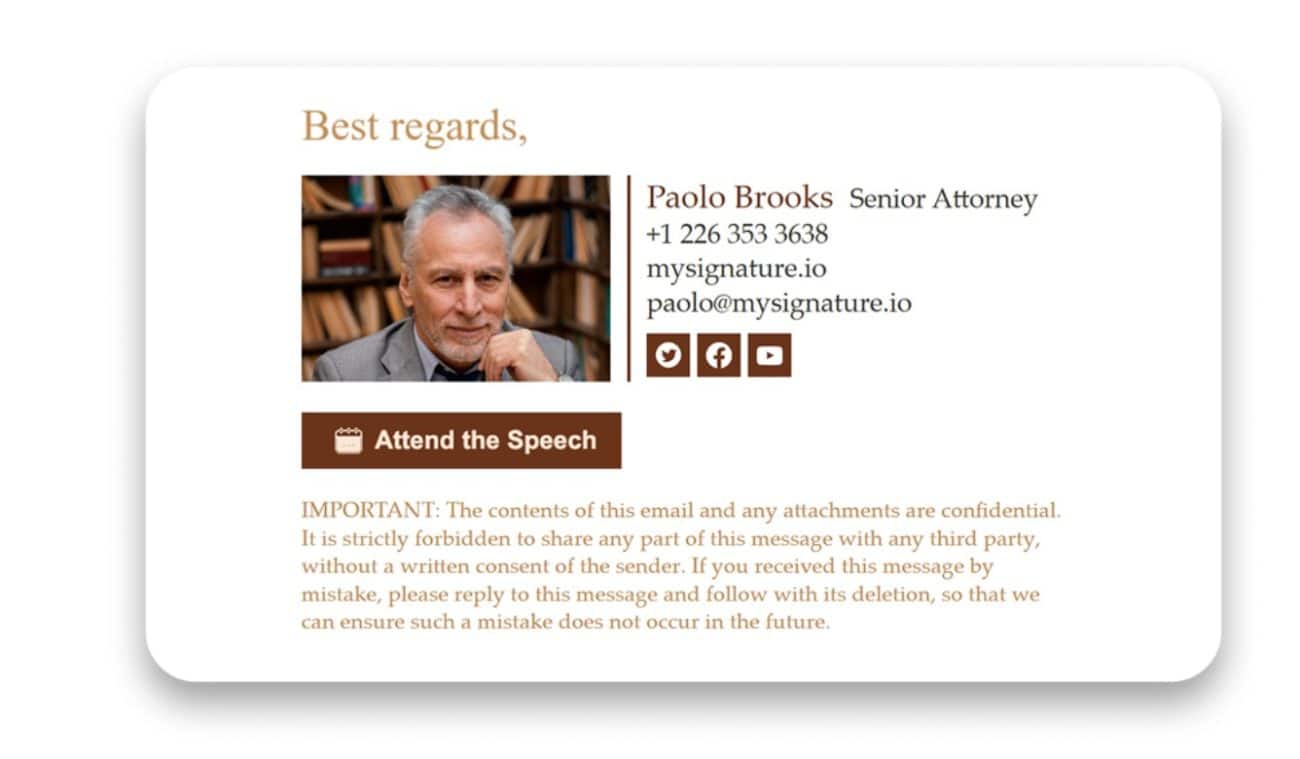
Email signatures are often an afterthought, but they shouldn’t be. This overlooked space can become one of your most consistent and scalable CTAs when used intentionally.
Whether you’re looking to drive traffic, grow your list, or increase product awareness, it pays to invest in a professional email signature. With tools like MySignature, you can create a branded, clickable, and conversion-focused signature in minutes – no design or tech skills are required.
So next time you hit “send,” ask yourself: is my email working hard enough?
Because if your signature isn’t helping you convert, you’re missing out on one of the easiest wins in digital marketing.